Tech | Business | AI

TechZeitGeist: Tech & Business without the hype

Clear analysis of tech, AI, and markets – focused on product, engineering, and business. Curated, concise, actionable.

Latest News

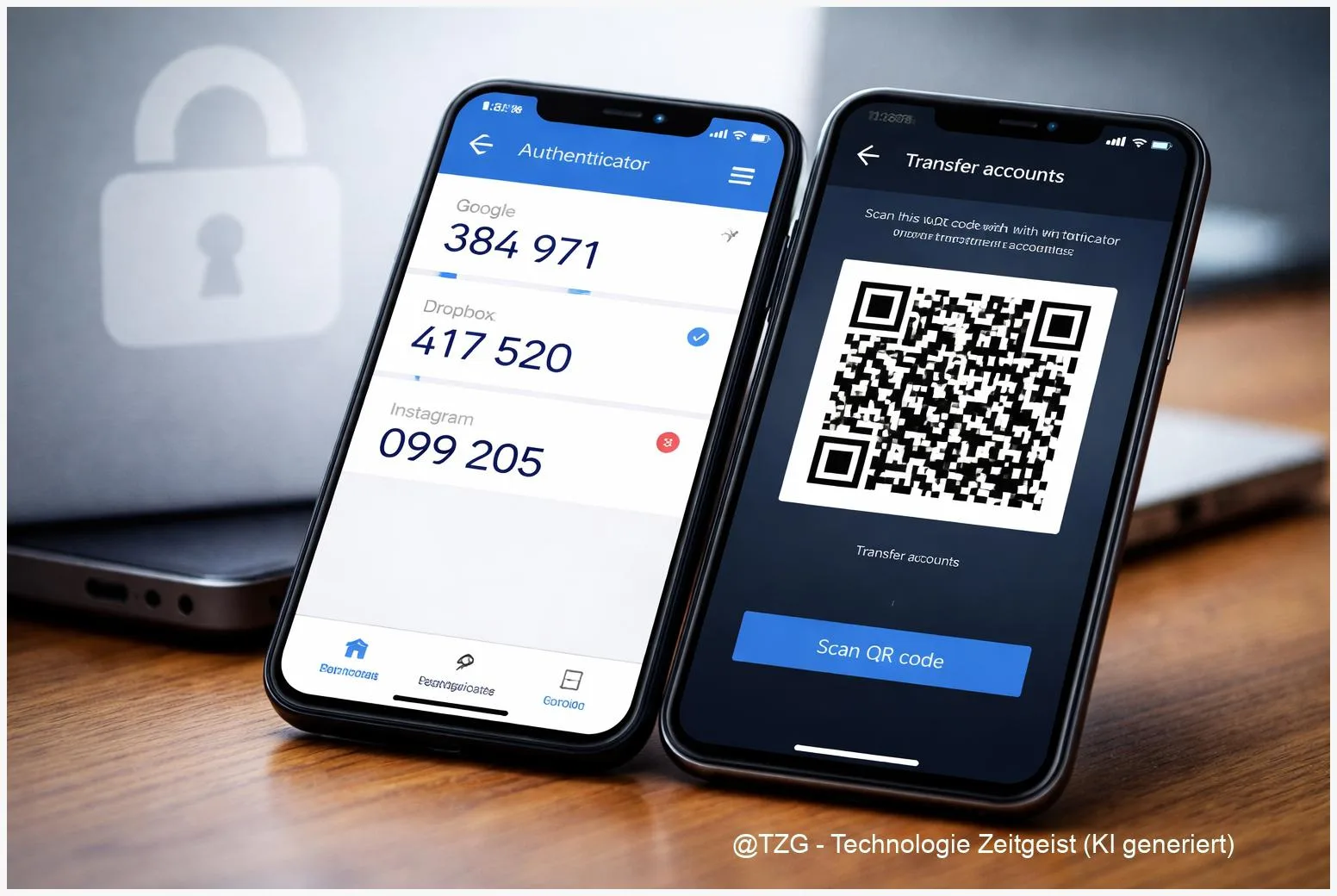
  • Transfer Authenticator Codes to a New Phone (Google & Microsoft)

    9 min read

    Transfer Authenticator Codes to a New Phone (Google & Microsoft)

    Switching phones can lock you out of accounts if your two-factor authentication lives in an app. This guide shows how to transfer Google Authenticator to
    Read more

    Read more: Transfer Authenticator Codes to a New Phone (Google & Microsoft)
  • Mobile hotspot setup: iPhone & Android steps (plus quick fixes)

    9 min read

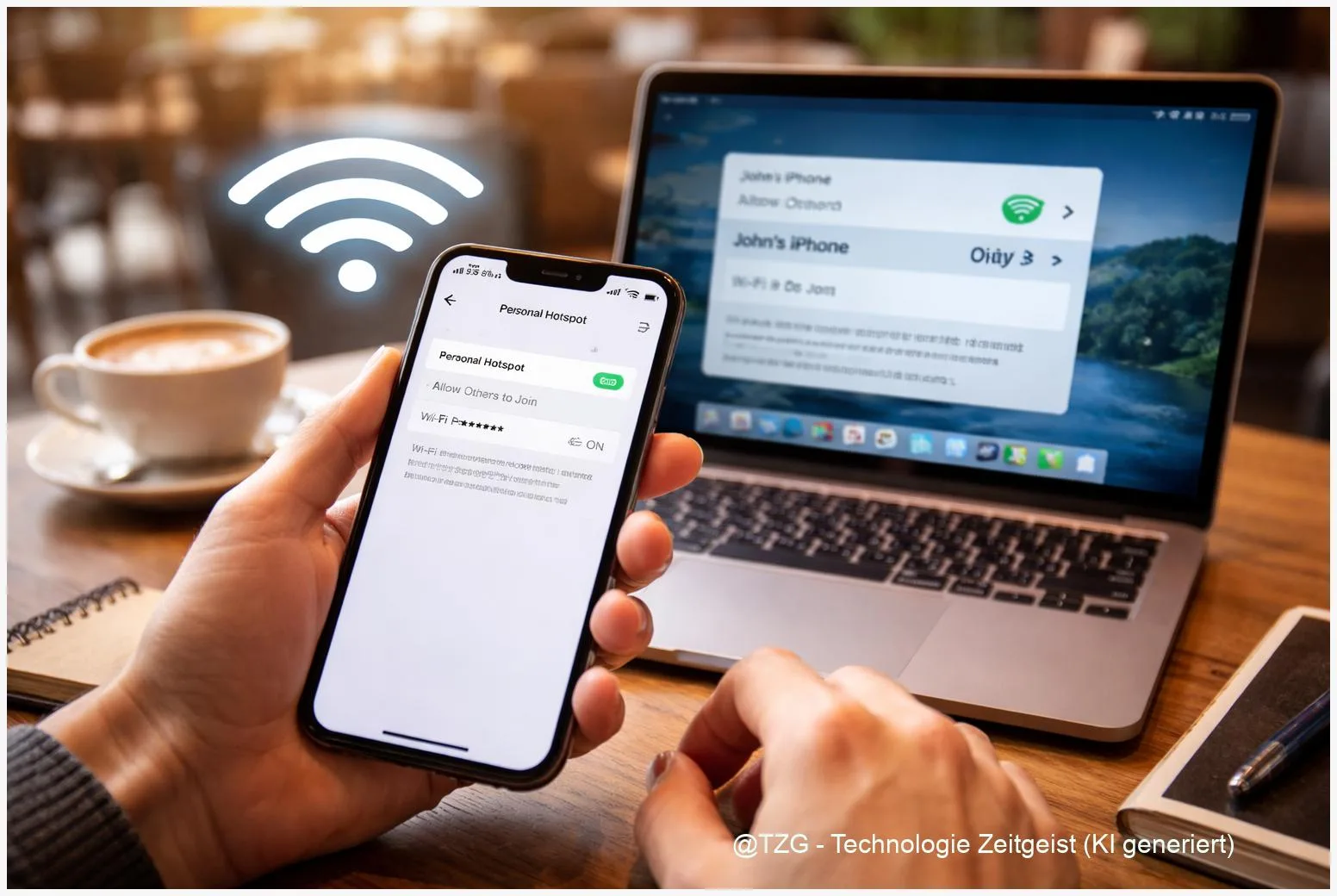
    Mobile hotspot setup: iPhone & Android steps (plus quick fixes)

    A mobile hotspot setup turns your phone into a small Wi‑Fi router, so a laptop or tablet can get online when there’s no trusted network


    Read more

    Read more: Mobile hotspot setup: iPhone & Android steps (plus quick fixes)
  • Stop Spam Calls on iPhone & Android: Block, Silence, and Report

    9 min read

    Stop Spam Calls on iPhone & Android: Block, Silence, and Report

    Spam calls are more than annoying: they interrupt work, wake you up, and can pressure you into sharing personal data. This guide shows how to

    Read more

    Read more: Stop Spam Calls on iPhone & Android: Block, Silence, and Report
  • Secure Your Home Wi‑Fi: Step-by-Step Router Settings That Matter

    9 min read

    Secure Your Home Wi‑Fi: Step-by-Step Router Settings That Matter

    If you want to secure home wifi, the most effective changes happen in your router settings: a strong admin password, modern Wi‑Fi encryption (WPA3 or

    Read more

    Read more: Secure Your Home Wi‑Fi: Step-by-Step Router Settings That Matter
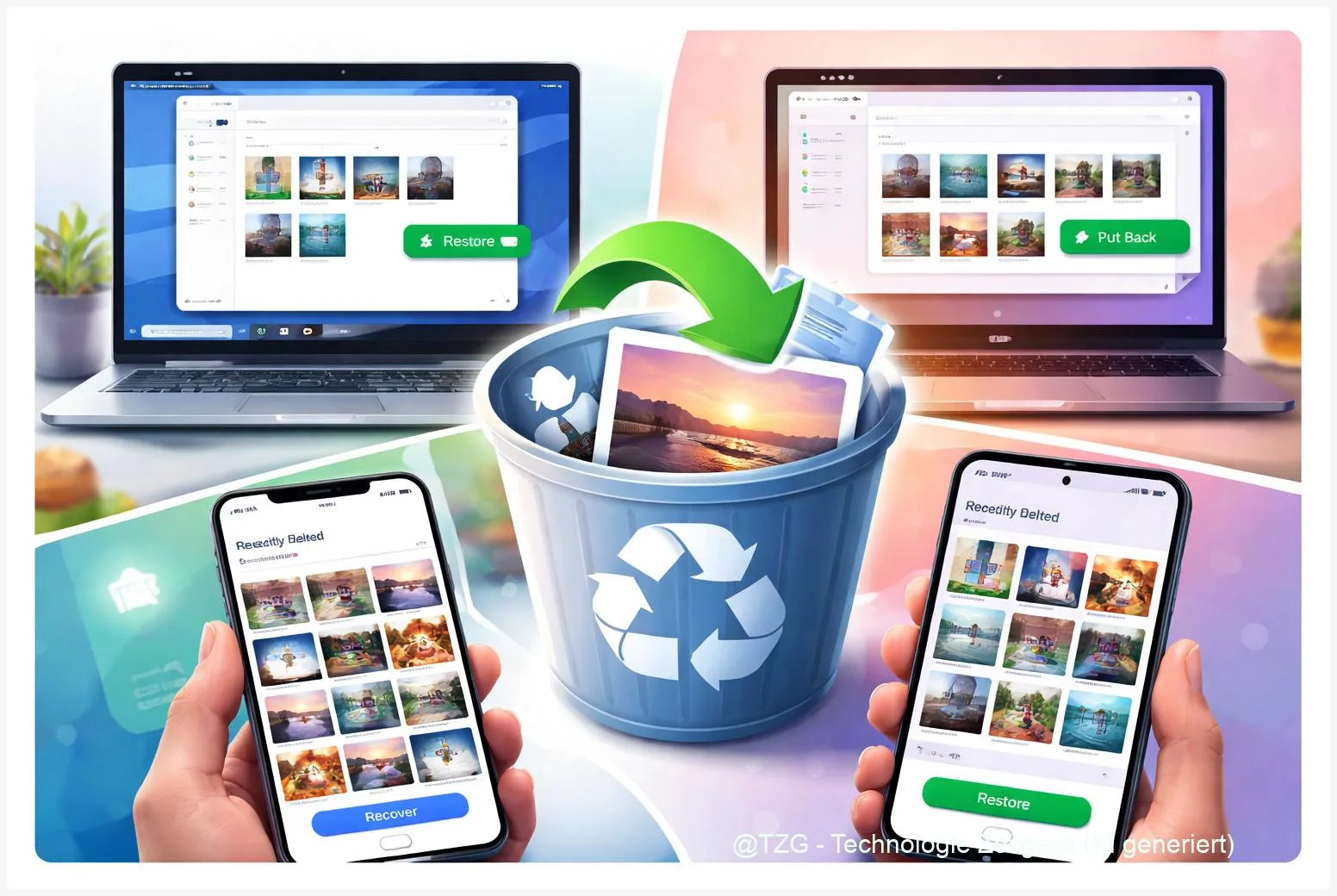
  • Recover Deleted Photos & Files: Safe Steps for iPhone, Android, Windows & Mac

    9 min read

    Recover Deleted Photos & Files: Safe Steps for iPhone, Android, Windows & Mac

    Accidentally deleted a photo, a document, or an entire folder? This guide shows how to recover deleted photos and files on iPhone, Android, Windows, and

    Read more

    Read more: Recover Deleted Photos & Files: Safe Steps for iPhone, Android, Windows & Mac
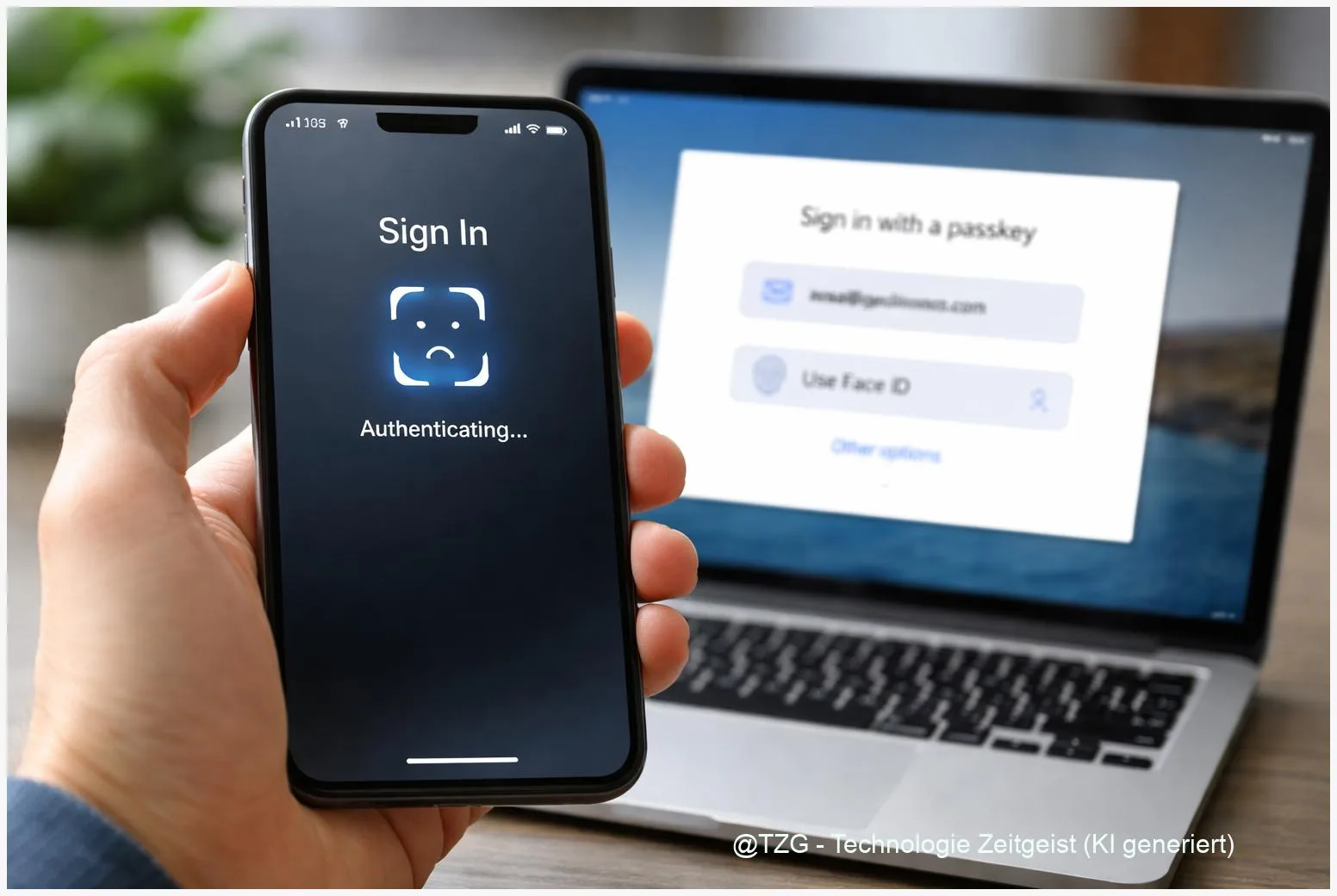
  • Set Up Passkeys on iPhone, Android, Windows & Mac: Step by Step

    9 min read

    Set Up Passkeys on iPhone, Android, Windows & Mac: Step by Step

    Passwords get phished, reused, and forgotten. With a proper passkeys setup, you can sign in using Face ID, fingerprint, or a device PIN instead—without typing

    Read more

    Read more: Set Up Passkeys on iPhone, Android, Windows & Mac: Step by Step
  • Set Up a VPN on iPhone, Android, Windows & Mac: Step-by-Step

    9 min read

    Set Up a VPN on iPhone, Android, Windows & Mac: Step-by-Step

    Public Wi‑Fi, shared networks at school or work, and even some home routers can expose more of your traffic than you expect. This guide shows

    Read more

    Read more: Set Up a VPN on iPhone, Android, Windows & Mac: Step-by-Step
  • WhatsApp Backup & Restore: Move Chats to a New iPhone or Android

    9 min read

    WhatsApp Backup & Restore: Move Chats to a New iPhone or Android

    Switching phones is stressful when your WhatsApp history matters: family photos, school groups, work chats, voice notes. With a clean WhatsApp backup, you can move

    Read more

    Read more: WhatsApp Backup & Restore: Move Chats to a New iPhone or Android
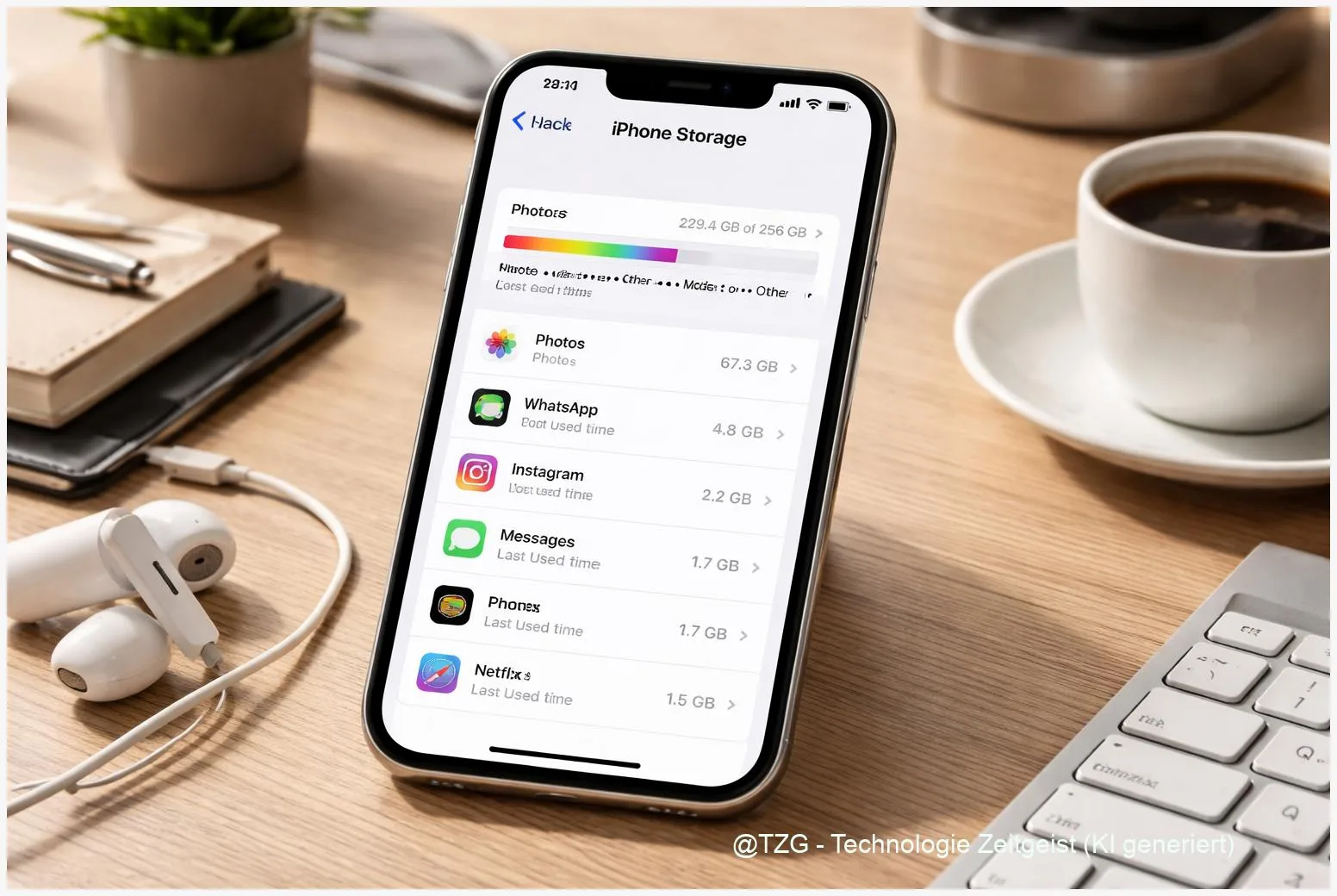
  • Free Up iPhone Storage Safely: Step-by-Step Without Losing What Matters

    9 min read

    Free Up iPhone Storage Safely: Step-by-Step Without Losing What Matters

    If your iPhone keeps saying storage is full, apps may stop updating, photos won’t save, and messages can fail. This guide shows how to free

    Read more

    Read more: Free Up iPhone Storage Safely: Step-by-Step Without Losing What Matters
  • Newsletter

    Once a week, the most important tech and business takeaways.

    Short, curated, no fluff. Perfect for the start of the week.

    Note: Create a /newsletter page with your provider embed so the button works.