Tech | Business | AI

TechZeitGeist: Tech & Business without the hype

Clear analysis of tech, AI, and markets – focused on product, engineering, and business. Curated, concise, actionable.

Latest News

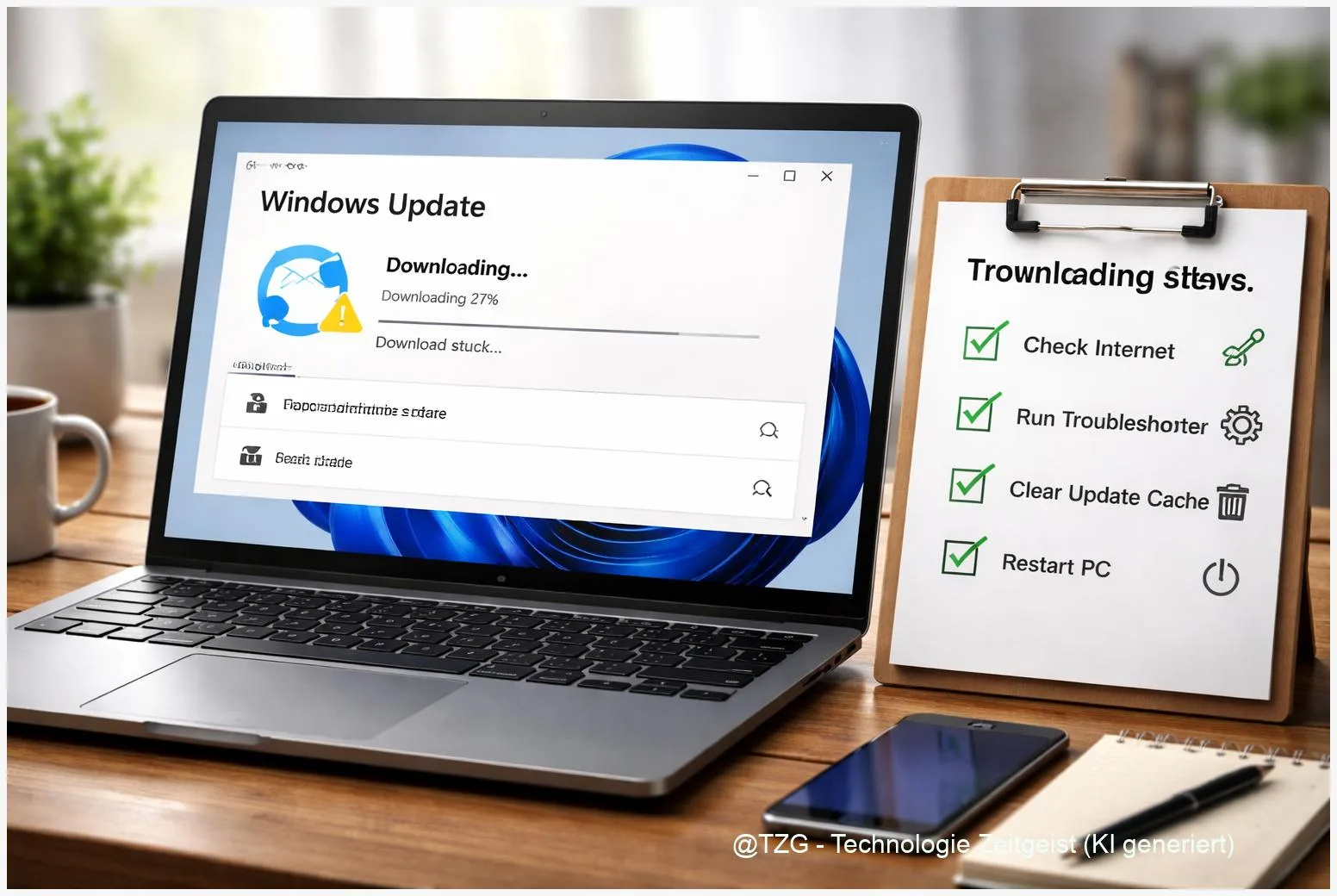
  • Fix Windows 11 Update Errors: Step-by-Step Guide for Stuck Downloads

    8 min read

    Fix Windows 11 Update Errors: Step-by-Step Guide for Stuck Downloads

    If a Windows 11 update stuck download blocks your PC at 0 % or keeps looping, you can usually fix it without reinstalling Windows. This guide
    Read more

    Read more: Fix Windows 11 Update Errors: Step-by-Step Guide for Stuck Downloads
  • Set Up a Guest Wi‑Fi Network: Secure Internet Access for Visitors

    8 min read

    Set Up a Guest Wi‑Fi Network: Secure Internet Access for Visitors

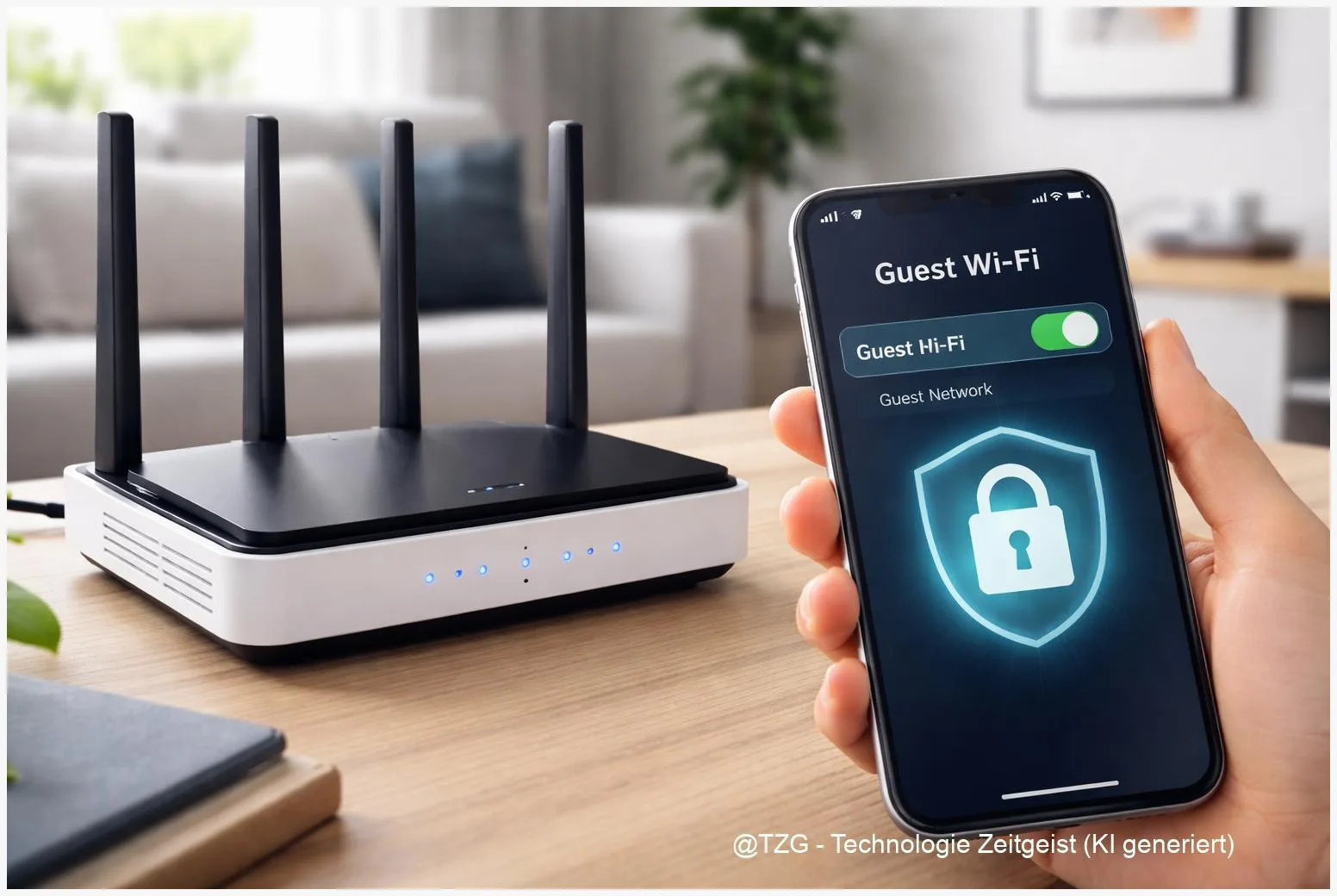
    Want to give friends and family internet access without handing over your main Wi‑Fi password? This guide shows how to set up a guest wifi
    Read more

    Read more: Set Up a Guest Wi‑Fi Network: Secure Internet Access for Visitors
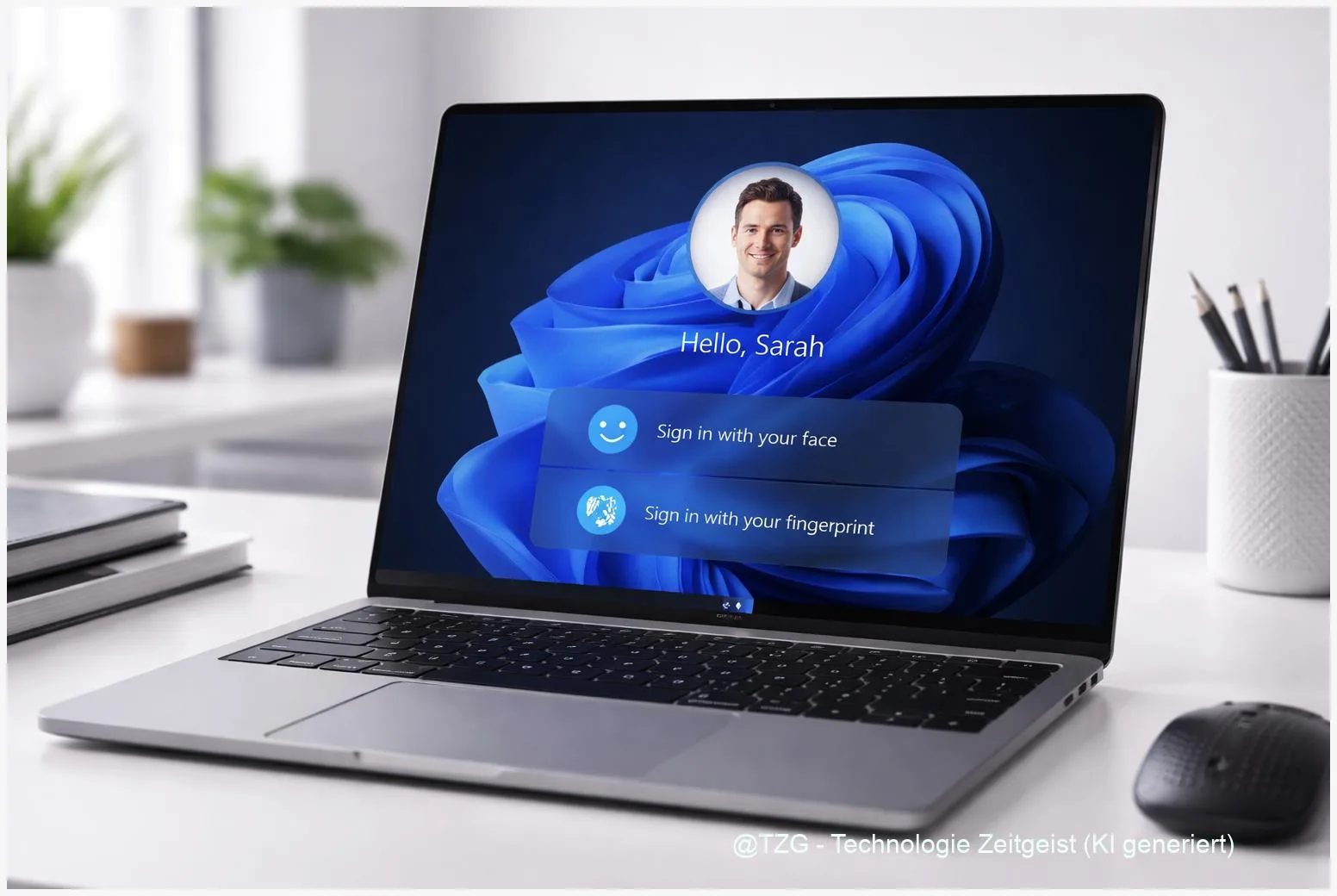
  • Set Up Windows Hello in Windows 11: Face/Fingerprint Login Step by Step

    8 min read

    Set Up Windows Hello in Windows 11: Face/Fingerprint Login Step by Step

    Passwords are easy to forget and annoying to type—especially on a laptop in a rush. This guide shows how to set up Windows Hello in

    Read more

    Read more: Set Up Windows Hello in Windows 11: Face/Fingerprint Login Step by Step
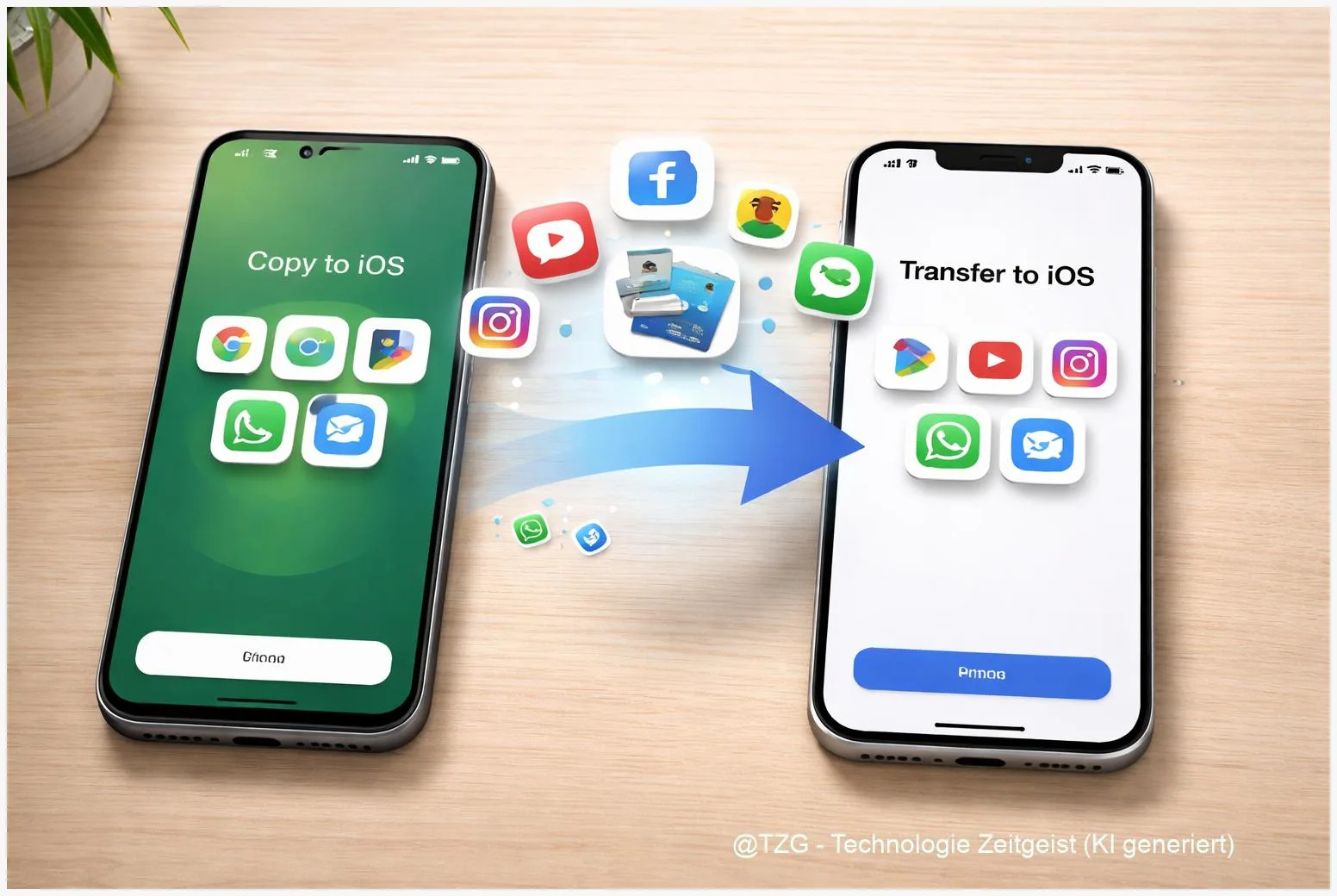
  • Switch from Android to iPhone: Transfer Apps, Photos, Chats Step by Step

    8 min read

    Switch from Android to iPhone: Transfer Apps, Photos, Chats Step by Step

    Switching from Android to iPhone often fails at the same point: your new phone is ready, but your photos, WhatsApp chats, and everyday essentials still

    Read more

    Read more: Switch from Android to iPhone: Transfer Apps, Photos, Chats Step by Step
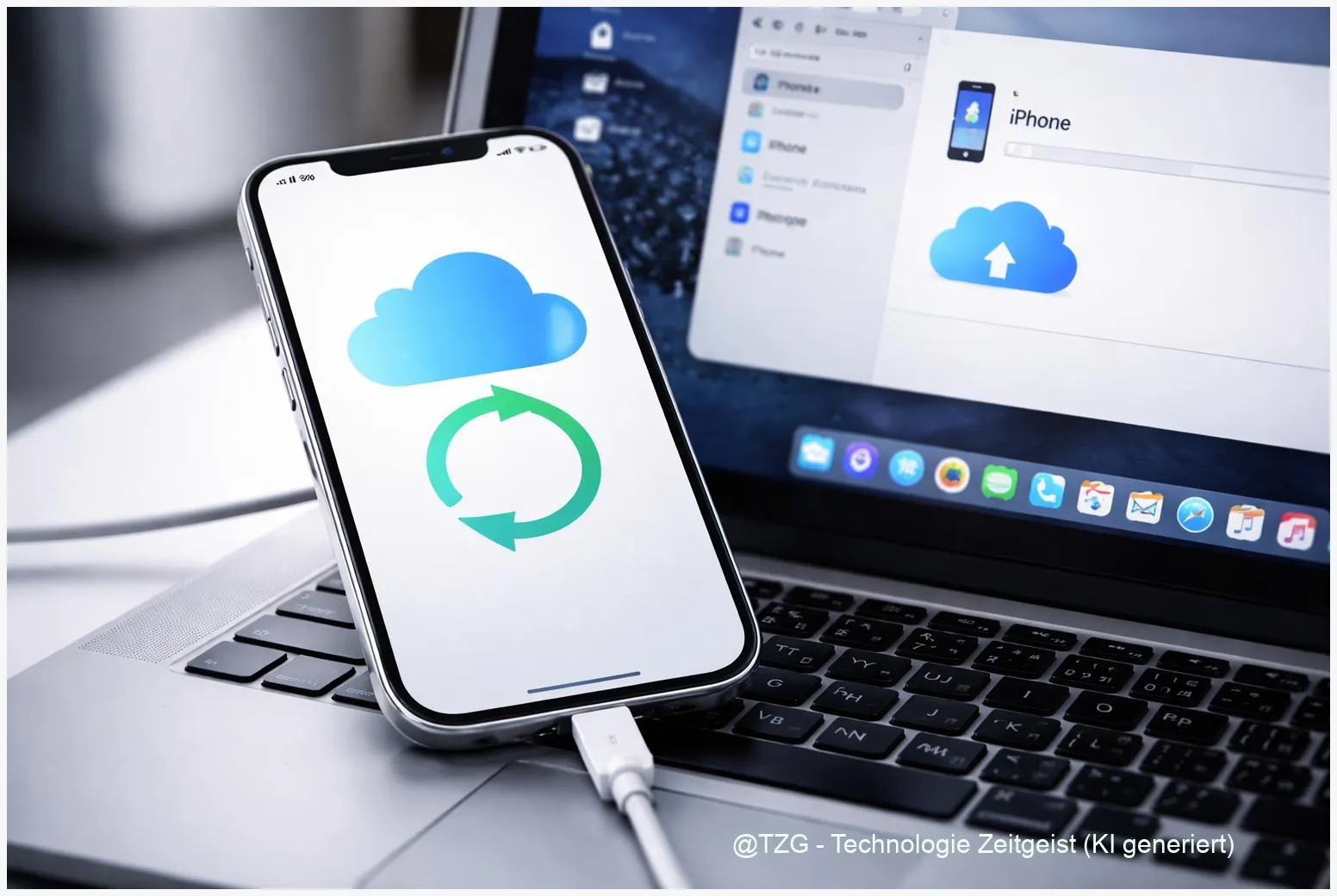
  • How to Back Up Your iPhone: iCloud and Computer (Mac/Windows) Step by Step

    8 min read

    How to Back Up Your iPhone: iCloud and Computer (Mac/Windows) Step by Step

    If your iPhone is lost, damaged, or replaced, a recent backup is what brings your photos, chats, app data, and settings back. This guide shows

    Read more

    Read more: How to Back Up Your iPhone: iCloud and Computer (Mac/Windows) Step by Step
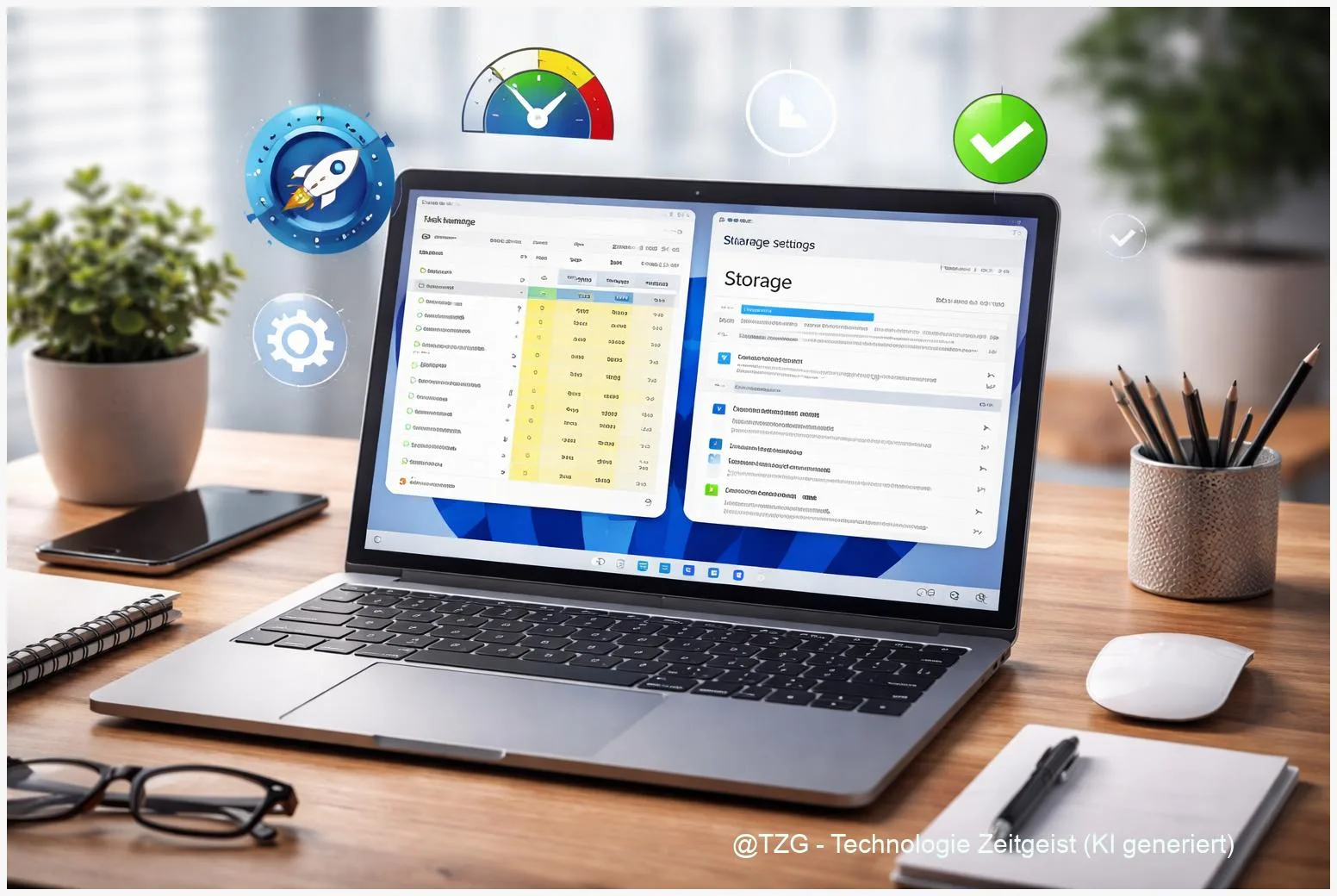
  • How to Speed Up Windows 11: Fix a Slow PC Step by Step

    8 min read

    How to Speed Up Windows 11: Fix a Slow PC Step by Step

    If your laptop feels laggy, apps open slowly, or Windows takes ages to boot, you can often fix it without buying new hardware. This guide

    Read more

    Read more: How to Speed Up Windows 11: Fix a Slow PC Step by Step
  • Set Up Apple CarPlay & Android Auto: Wired/Wireless + Fix Issues

    8 min read

    Set Up Apple CarPlay & Android Auto: Wired/Wireless + Fix Issues

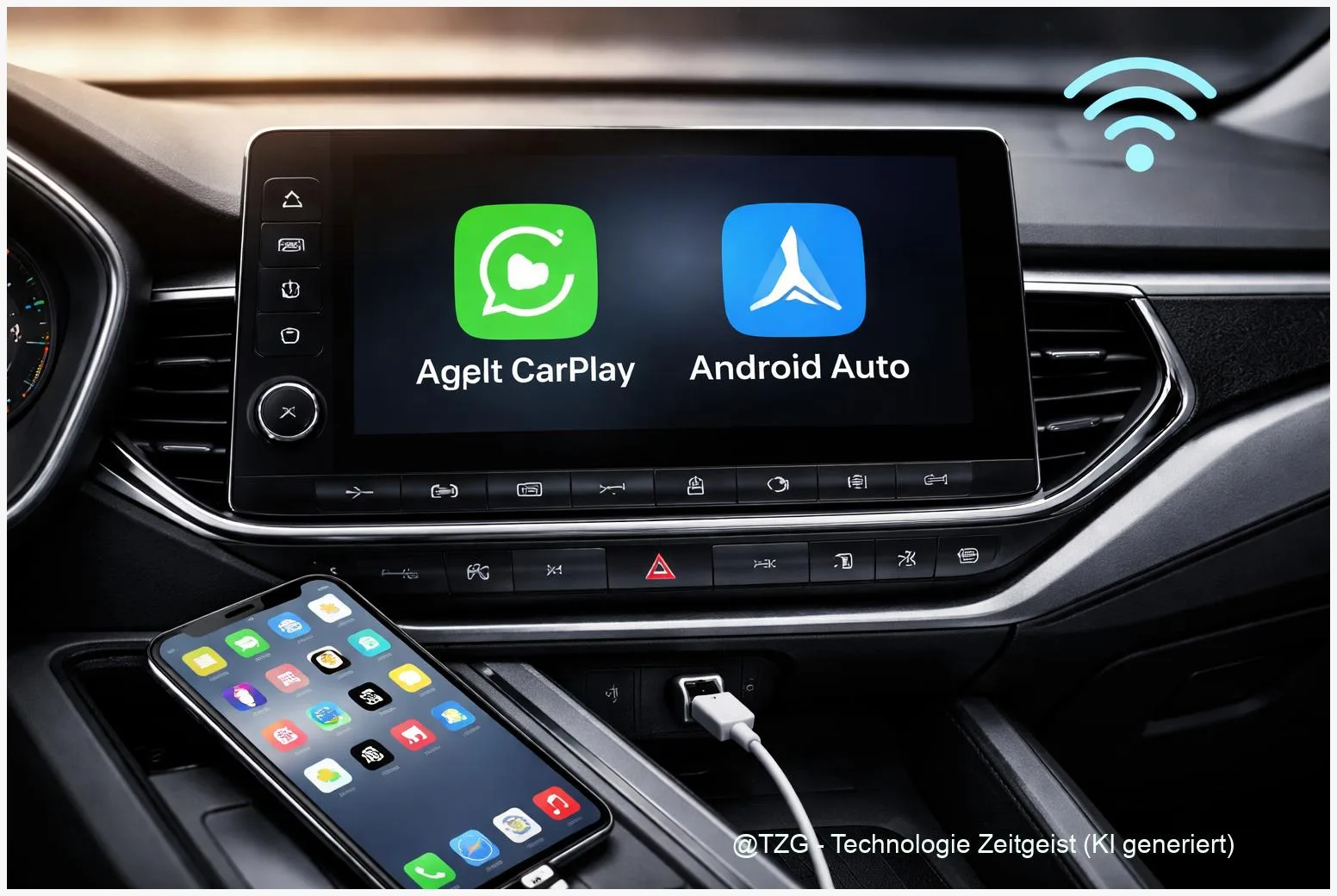
    If your phone won’t connect to your car, navigation and music quickly become a hassle. This guide shows an Apple CarPlay setup and Android Auto

    Read more

    Read more: Set Up Apple CarPlay & Android Auto: Wired/Wireless + Fix Issues
  • Set Up Dual Monitors on Windows 11: Extend, Arrange & Fix Scaling

    8 min read

    Set Up Dual Monitors on Windows 11: Extend, Arrange & Fix Scaling

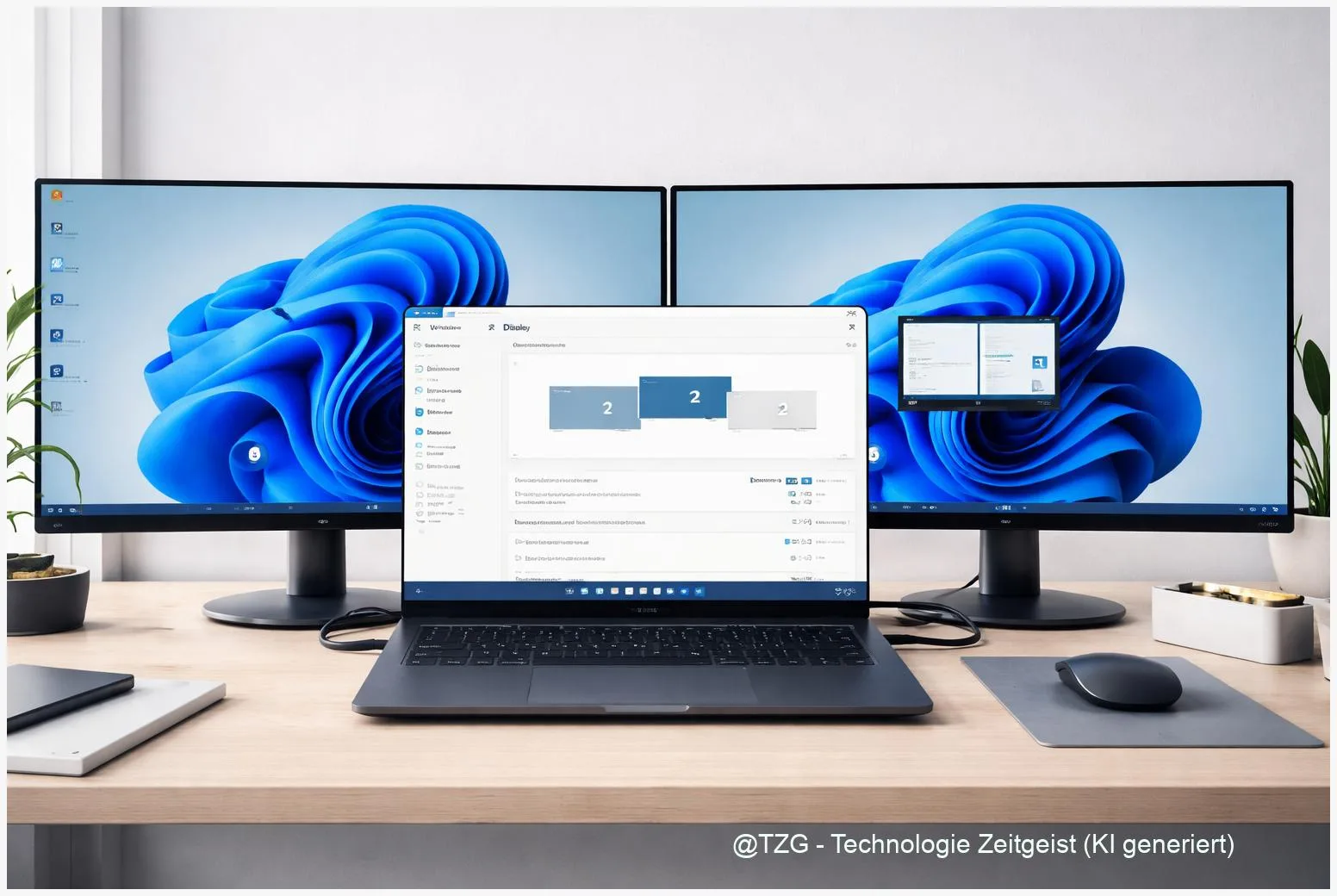
    A dual monitor setup Windows 11 can make work and school tasks feel calmer: one screen for the main app, the other for chat, references,

    Read more

    Read more: Set Up Dual Monitors on Windows 11: Extend, Arrange & Fix Scaling
  • Google Family Link setup: screen time, app limits & location (step-by-step)

    8 min read

    Google Family Link setup: screen time, app limits & location (step-by-step)

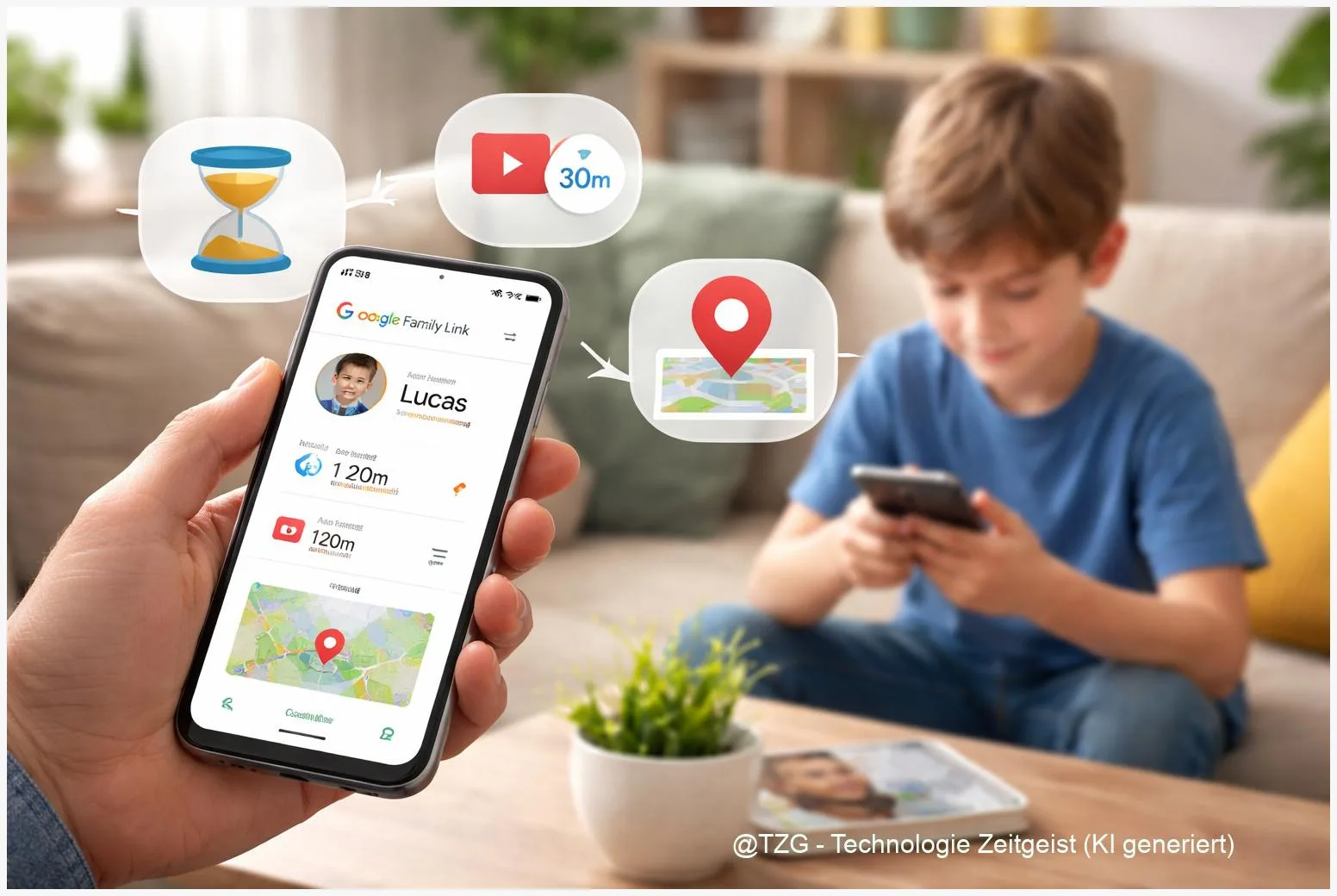
    If you want reliable parental controls on Android without guessing your way through menus, Google Family Link is a strong starting point. This guide shows

    Read more

    Read more: Google Family Link setup: screen time, app limits & location (step-by-step)
  • Newsletter

    Once a week, the most important tech and business takeaways.

    Short, curated, no fluff. Perfect for the start of the week.

    Note: Create a /newsletter page with your provider embed so the button works.