
Why Your Fast SSD Still Feels Slow — and What Actually Helps
Many users ask why a drive that looks fast in benchmarks stutters during real tasks. SSD performance comes down to the difference between short bursts and sustained workloads: manufacturers often quote peak throughput that depends on an SLC cache and controller tricks, while long, continuous writes reveal the underlying NAND limits. This article explains those terms, shows when a drive will slow down, and gives practical steps you can take to keep everyday performance high.
Introduction
At first glance, benchmark numbers promise blistering speeds: hundreds or thousands of megabytes per second. The problem many people face is that those numbers describe short bursts, not long tasks. If you copy a large folder, record high-resolution video, or run a heavy export, the drive can drop from peak speeds to a much lower sustained rate. Understanding this means knowing the role of SLC cache (a fast buffer), the type of NAND memory (QLC, TLC, MLC), and controller behavior. When one part is exhausted—often the SLC cache—the apparent speed falls sharply.
SSD performance explained: SLC cache and NAND types
SSDs combine a controller (the drive’s small computer), NAND flash memory, and a transient buffer often called an SLC cache. “SLC” means single-level cell and stores one bit per transistor; it is faster and endures more write cycles than TLC or QLC, which store more bits per cell. QLC offers larger capacity at lower cost, but slower sustained writes.
Many consumer drives implement an SLC cache by using part of their TLC/QLC NAND in SLC mode. This lets manufacturers advertise high peak write speeds. When that buffer fills, the controller must convert and move cached data into dense NAND, and that conversion is much slower.
Peak rates often reflect SLC-cache behavior; sustained rates show the true NAND limits.
Controllers also perform background tasks: moving cached data into dense NAND, garbage collection, and error correction. Those tasks use internal bandwidth and can slow active transfers, especially if the drive heats up and throttles.
How that slowdown appears in daily use
In daily life the SLC cache makes common short operations feel instant: system boot, app launches, installing a game, and copying a few gigabytes. Problems show up when writes exceed the cache size or when many random writes prevent the cache from staying clean. For example, copying a 100 GB video file to a 1 TB QLC drive with a ~40 GB SLC buffer will start fast but slow dramatically after the first 40 GB.
Write-heavy tasks such as live recording, disk imaging, database logging, and long backups reveal QLC weaknesses. Conversely, gaming, web browsing, and normal office work are bursty and typically remain fast. NVMe drives on PCIe often have higher peak and sustained throughput than SATA drives because of wider data lanes and more advanced controllers; but NVMe modules can also hit thermal limits and throttle under long full-speed workloads.
You can see the effect by copying a very large file while watching transfer rates. If speed drops after tens of gigabytes, the drive exhausted its buffer and is in sustained-write mode. Sustained sequential write tests (large blocks, long duration) show real limits better than short synthetic benchmarks.
Risks and trade-offs to consider
Choosing an SSD balances cost, capacity, and consistent speed. QLC with SLC cache reduces price per terabyte but brings trade-offs: lower endurance, larger performance cliffs on sustained writes, and sometimes more heat during background tasks. Firmware quality matters: better controllers and smarter cache management can hide limitations, while cheaper implementations show sharper drops.
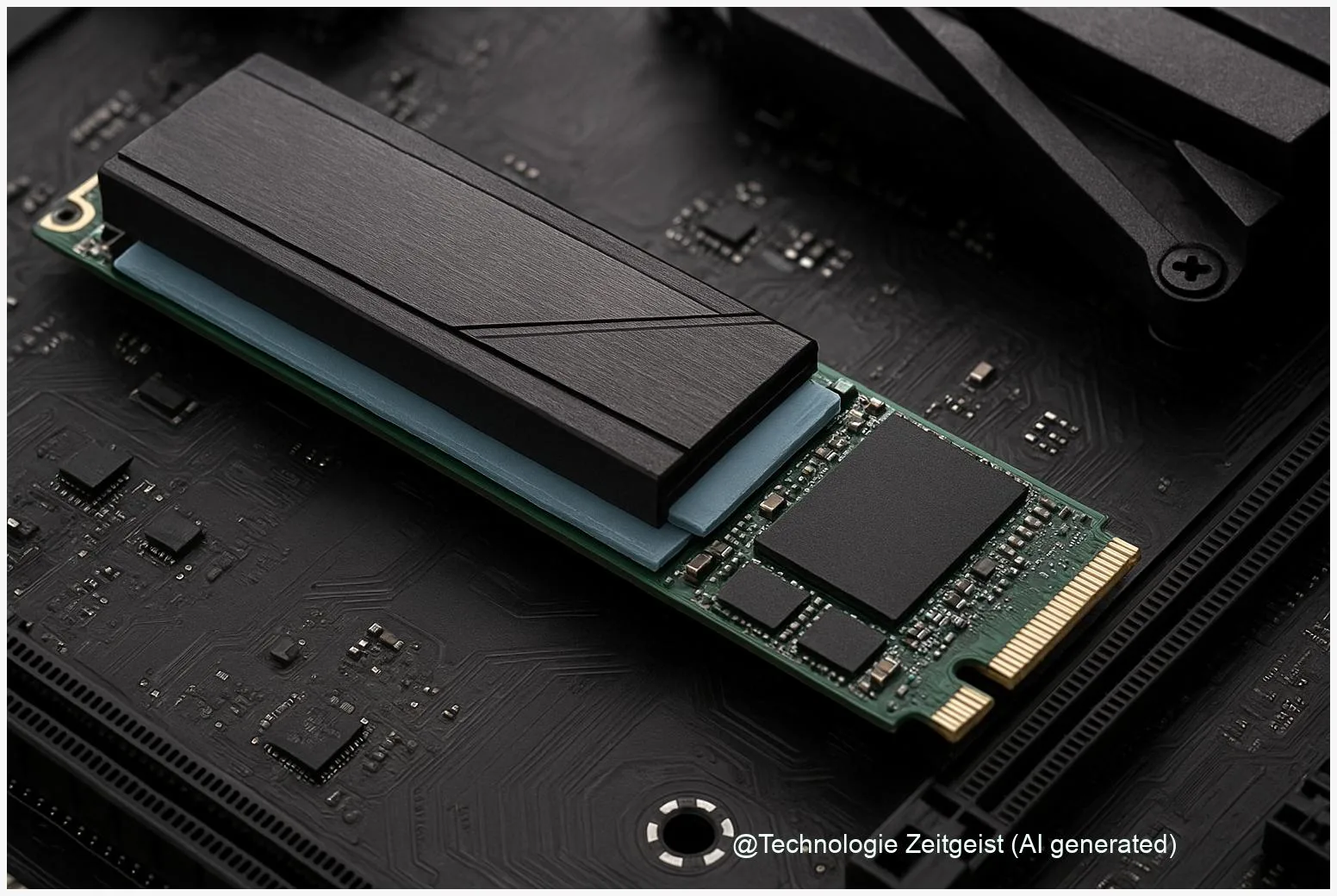
Thermal throttling is a practical issue. Controllers and NAND run hot during heavy writes; to avoid damage, the drive reduces speed. Heatsinks, NVMe slot placement, and case airflow matter—on thin laptops, an M.2 NVMe drive without a heatsink can slow much earlier than the same drive in a desktop with good airflow.
Long sustained writes increase write amplification (extra internal writes needed to reorganize data), which shortens drive life in write-sensitive NAND types. For critical write-heavy tasks, enterprise or TLC/MLC drives are preferable. For general consumer use, controller strategies and background garbage collection balance endurance and responsiveness.
Where SSDs are heading and what to do next
Trends aim to narrow the gap between burst and sustained performance. Controller firmware is getting smarter with dynamic SLC regions, improved garbage collection, and predictive flushing. On the hardware side, newer NAND types and stronger error correction gradually raise sustained throughput and endurance.
For most users: if you run bursty desktop tasks, a capacity-oriented QLC drive with a good reputation will feel fast and save money. If you run long writes regularly—video capture, continuous backups, or heavy data analysis—choose a TLC or enterprise drive or use a two-tier setup: a fast NVMe for active work and a high-capacity QLC for archive.
Operational steps also help: keep at least 10–20% free space for maintenance algorithms, enable TRIM so the controller knows which blocks are free, apply firmware updates, and monitor temperatures and SMART attributes. These measures reduce cache blockage and thermal throttling.
Conclusion
The short answer to why a fast SSD feels slow is that peak benchmark numbers usually measure short bursts enabled by an SLC cache and efficient controllers; sustained behavior depends on the underlying NAND and firmware. QLC drives use SLC caching to deliver attractive peak speeds but show much lower throughput for long, continuous writes. Small operational steps—leaving free space, enabling TRIM, watching thermals, and keeping firmware current—often restore the speed you expect without replacing hardware.
Share your experiences or questions about SSD behaviour and tips that worked for you.




Leave a Reply