
Insights
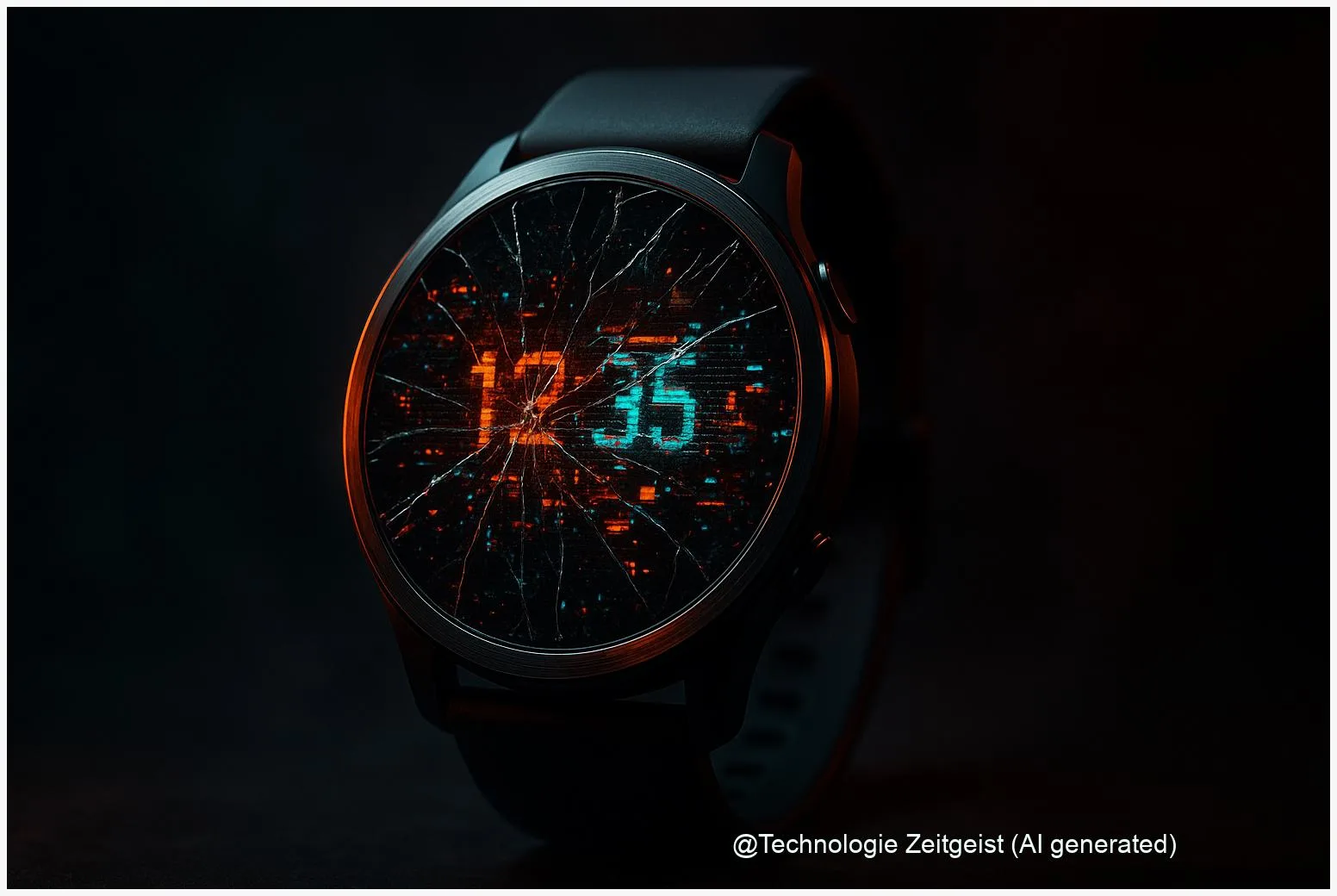
A recent Wear OS 6 bug is causing many third‑party watch faces to show visual errors when the screen wakes. The fault affects the AOD (Always‑On Display) transition — the switch from a dimmed to an active screen — and leaves ghosted or frozen elements on some Pixel and Galaxy smartwatches.
Key Facts
- Multiple reports show third‑party faces failing during the AOD → active display transition on Wear OS 6.
- Google’s Issue Tracker lists an open ticket but, as of 02 January 2026, no public patch date was announced.
- Temporary fixes include switching to built‑in watch faces or removing affected third‑party faces.
Introduction
Who: owners of Pixel Watch and some Galaxy Watch models. What: a Wear OS 6 bug breaks the visual transition between Always‑On Display and the active watch face. When: reports rose in late December 2025 and continued into early January 2026. Why it matters: watch faces suddenly look wrong or unreadable, reducing basic usability.
What is new
Reports from tech outlets and community threads show a reproducible problem: during wake‑up the Always‑On Display (AOD) does not smoothly hand over to the active face. AOD is the low‑power, dimmed screen mode that shows time and essentials while the watch is idle. When the transition fails, parts of the dimmed layer remain visible as faint or frozen graphics on top of the active face. Google’s Issue Tracker contains an open bug report referencing these symptoms, and articles from major Android news sites corroborate the timing and device scope.
What it means
For users, the immediate impact is visual clutter or unreadable watch faces after the screen wakes. That reduces the convenience of quick glances and can force people to unlock or restart their watch more often. For independent watch‑face makers, the bug breaks customer experience and may lead to support requests. Technically, the pattern — only third‑party faces affected while system faces remain fine — points to an OS‑level rendering or timing issue. Without a confirmed patch date, device support teams should prepare troubleshooting steps and gather logs from affected users.
What comes next
Short term: users should switch to built‑in faces or remove third‑party faces that show errors. Developers can try workarounds such as forcing immediate transition values or advising users to update face files; these are imperfect and may change appearance. Medium term: Google and device makers will likely investigate the open Issue Tracker entry and publish a patch if a reproducible root cause is found. Long term: expect a firmware or OS update that addresses compositor or AOD timing if engineers confirm a race condition in the transition code.
Conclusion
The Wear OS 6 bug disrupts the AOD→active transition and causes third‑party watch faces to appear ghosted or frozen on wake‑up. Until an official patch is released, switching to stock faces or removing problem faces is the most reliable workaround.
Join the conversation: share your experience with watch faces and troubleshooting tips in the comments, and pass this on to friends who own smartwatches.




Leave a Reply