
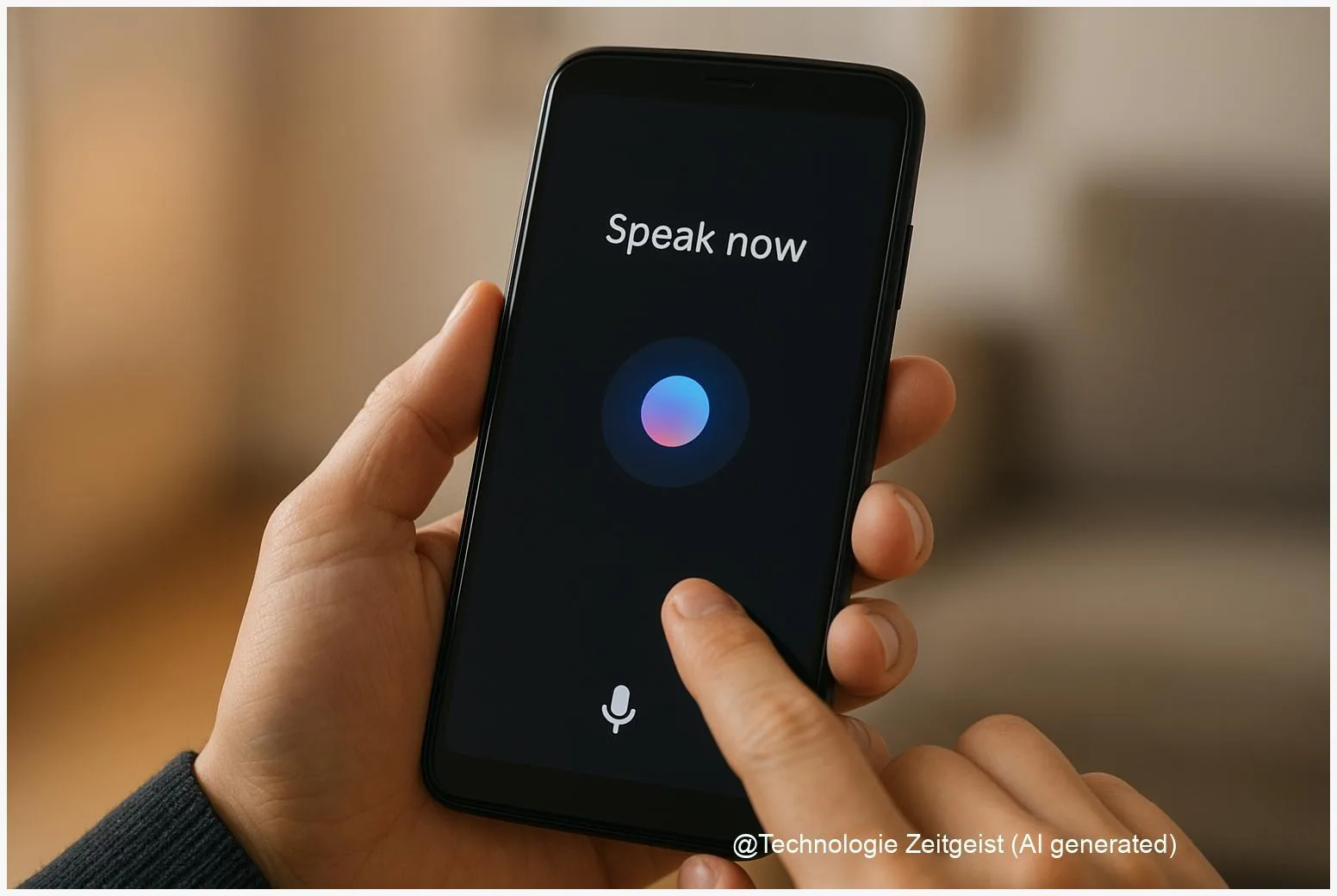
Voice control is moving from simple commands to full conversations, and Gemini on Android is a central example of that shift. Users can ask a phone to draft messages, control multiple apps, or follow multi-step requests in one voice interaction. The move toward on-device AI reduces some cloud traffic and can speed responses, but it also brings new choices about privacy, battery use, and app permissions. This article explains what “Gemini on Android” means, how it controls apps, and what to watch for as voice assistants become more capable.
Introduction
When a voice assistant can understand a sequence of requests—open an app, find a message, paste a suggested reply, and then set a reminder—the phone begins to feel less like a tool and more like a partner for routine tasks. For many people, the friction of switching between apps and typing short replies is a daily annoyance. Assistants that use powerful language models aim to reduce that friction by keeping a conversation context and issuing commands to multiple apps in one flow.
That promise depends on two technical choices: where the AI model runs (on the device or in the cloud) and how tightly the assistant can interact with other apps and system features. Both choices shape speed, privacy, and reliability. The sections that follow explain the technical basics, show practical examples of app control, weigh benefits and trade-offs, and point to what users and developers should watch for in the next years.
How Gemini on Android works
“On-device inference” means the assistant runs parts of its language model directly on the phone, not only on remote servers. This reduces the need to upload voice or text to the cloud for every request, which can cut latency and lower how much personal data leaves the device. On modern Pixel phones and some newer Android models, manufacturers balance model size, memory, and battery use so a compact version of a language model can run locally for many everyday tasks.
Technically, there are two layers to the system. The first is the speech pipeline: the phone converts spoken words into text and extracts intent. The second is the reasoning model: a language model interprets the intent, keeps context across turns, and decides on actions—such as starting an app or composing a message. For complex operations the assistant may still call cloud services, for example to fetch up-to-date search results or to use a full-size model for heavy summarization.
Devices balance local and cloud processing: local for speed and privacy-sensitive tasks, cloud for heavy lifting.
Two simple comparisons make the difference clear:
| Mode | Description | Typical value |
|---|---|---|
| On-device | Smaller model runs locally for immediate replies and private data | Lower latency, limited context length |
| Cloud | Large models or tasks requiring current web data run on servers | Richer output, higher latency, external data flow |
Developers use system APIs and explicit assistant interfaces to let the assistant control apps. On Android, those interfaces can include intent-based commands, app shortcuts, or dedicated assistant integrations that expose actions an app agrees to execute. That controlled approach contrasts with older accessibility-based hacks, which can do more but require broader permissions and create more risk.
Everyday uses: how voice steers apps
In practice, a voice AI like Gemini on Android can simplify multi-step routines. For example, instead of opening a calendar app, tapping a date, and typing details, you can tell the assistant the meeting specifics and ask it to create the event and invite people. The assistant translates natural language into the app actions you would otherwise perform by hand.
Other common flows include composing messages across multiple apps, summarizing a long email into a short reply, or using the camera and screen to extract text and then act on it. Screensharing and live camera analysis are becoming part of the assistant toolkit: the assistant can read labels, suggest replies based on visible text, or guide you through settings menus.
For third-party apps, there are two practical ways to enable control. First, app developers can register explicit assistant actions or deep links that the assistant invokes. That keeps control safe and predictable. Second, when apps do not offer such hooks, the assistant may rely on system-level controls (with user permission) to switch apps, copy text, or trigger shortcuts. The latter is more flexible but asks for stronger permissions and clearer user consent.
Everyday users benefit most when the assistant preserves context: keeping track of a conversation across several turns allows multi-step requests such as, “Find my last message from Alex, draft a reply proposing next Tuesday, then set a calendar reminder if they confirm.” When that context is handled locally, the experience can feel faster and less exposed to remote logging.
Opportunities and risks
There are clear advantages to a more capable voice assistant. Faster responses make hands-free tasks truly practical, which helps drivers, people with limited mobility, and anyone juggling chores. Better natural language understanding can turn long-form content—an email, a web page, a text thread—into concise actions or summaries that save minutes every day.
At the same time, making assistants more powerful raises concerns. Privacy improves when sensitive processing remains on the device, but updates, telemetry, and cloud fallbacks still create potential data flows off the phone. It is important to know which operations run locally and which ones are sent to servers. Default settings, telemetry opt-in, and transparent logs matter more than ever.
Battery and performance are practical limits. Even compact models need CPU or specialized neural accelerators. On-device processing can increase energy use and storage needs; manufacturers mitigate this with quantized models and hardware acceleration, but trade-offs remain. Users may notice faster responses at the cost of slightly faster battery drain during heavy assistant use.
Security and permission models are another area of tension. Assistants that can open apps, send messages, or access camera data require careful permission prompts and audit trails. Platforms are moving toward explicit assistant APIs that list allowed actions, which helps control misuse. When assistants use broad accessibility permissions instead, the risk surface grows because those permissions can interact with sensitive UI elements unexpectedly.
Where this is headed
During the next few years, expect three trends. First, on-device models will become more capable as model compression and mobile neural accelerators improve. That widens the set of tasks that can be kept local. Second, platforms will standardize assistant integrations so third-party apps can expose safe, testable actions without asking for broad permissions. That reduces fragility and improves user control.
Third, regulators and privacy standards will push for clearer disclosures about what data leaves a device. That will likely lead to stronger privacy dashboards and simpler toggles to prefer local processing. For users this means clearer choices: enable richer cloud features or restrict the assistant to local-only modes for sensitive tasks.
For people who want to prepare now, a few practical habits help: review assistant permissions, check privacy or activity settings in the assistant app, and prefer apps that offer explicit assistant actions. Developers should build clear, testable hooks for assistant control rather than relying on generic automation paths. Device makers should publish basic benchmarks about latency and battery impact so independent reviewers can compare experiences objectively.
Conclusion
Voice control driven by advanced language models changes how people use phones by reducing friction between apps and turning multi-step tasks into single spoken requests. “Gemini on Android” illustrates the balance between speed and privacy: when the assistant runs locally, responses can be quicker and some data stays on the device, but cloud services remain necessary for certain features. The practical result for users will depend on device capabilities, app integrations, and the choices each person makes about privacy and convenience.
As assistants become more capable, transparency—about what runs locally, what goes to servers, and what permissions the assistant needs—will determine whether users welcome voice as a helpful tool or treat it cautiously. For now, thoughtful controls, clearer policies from platforms, and careful app design will shape a productive path forward.
Join the conversation: share your experience with voice assistants and how you use them on mobile.




Leave a Reply