
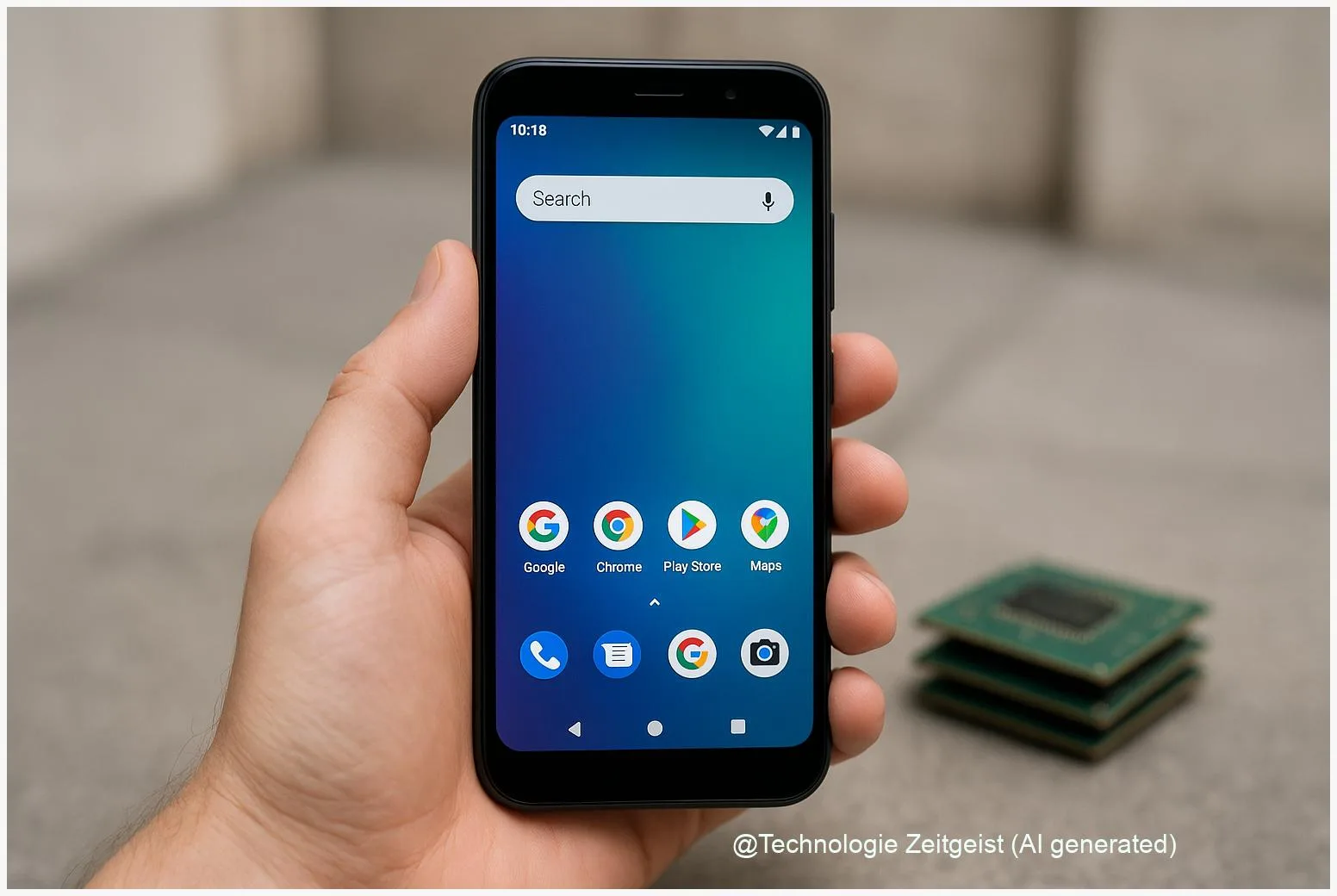
As DRAM supply tightens, the RAM price for phones is rising and that makes choosing a cheap Android device harder. This article gives practical, long‑lasting criteria for judging budget smartphones even when RAM is scarce: what RAM sizes actually matter, how software and storage affect perceived speed, and which trade‑offs are smart to accept. The guidance helps buyers pick a durable, affordable handset without overpaying for memory they don’t need.
Introduction
When memory components become scarcer, phone makers face higher bill‑of‑materials costs and must decide where to cut or what to keep. You may notice some entry phones suddenly add a few euros while others remove features. That is often the visible result of shifts in the DRAM market: increased server demand for high‑end memory, manufacturers prioritizing faster modules, and limited short‑term capacity. For shoppers this creates a simple problem: the label “8 GB” or “12 GB” no longer guarantees the same experience across brands.
This piece gives you a steady checklist and plain explanations so you can recognise a well‑balanced budget phone even as RAM prices climb. It covers why memory costs are rising, which RAM sizes are still a good buy for everyday use, practical signs of good memory management in Android devices, and what to expect from the market in the next year.
Why the RAM price is rising and what that means for phones
The industry shift behind higher RAM prices has two clear drivers. First, data‑centre demand rose steeply as companies bought memory for servers and specialised modules used for AI workloads. Second, chipmakers reallocated production from older, high‑volume commodity DRAM to higher‑margin DDR5 and HBM modules. Together, these trends reduce the volume of cheaper memory available for phones and other consumer devices, pushing up prices. Reputable market trackers reported large year‑on‑year price jumps in 2024 and continued pressure through 2025.
For handset makers the response is pragmatic: they can either accept higher costs, move features around, or change component mixes. In practice that means variants with the same model name may ship with different RAM or storage options, and some manufacturers prioritise storage over RAM because a fast internal storage chip often improves perceived speed more than raw RAM size. Contract and spot market volatility also leads some vendors to prefer smaller production runs or to delay midrange launches.
Memory is not only a technical choice; it becomes a strategic one when supply is tight.
A short, useful comparison clarifies what consumers gain from different RAM levels in 2025. The numbers below summarise typical real‑world value, not marketing claims.
| RAM | Best for | Practical value |
|---|---|---|
| 8 GB | Daily apps, web, social | Good balance for most users |
| 12 GB | Heavy multitasking, occasional local AI | Noticeable improvement in multitasking |
| 16 GB+ | Power users, on‑device models | Needed for large local AI models and pro workflows |
These categories are approximate because Android’s memory management, OEM tuning, and features like compressed RAM (zRAM) change how physical RAM translates into user experience. The important takeaway: rising RAM price forces more design decisions, so evaluate several aspects of a phone before focusing only on the number of gigabytes.
How much RAM you really need in a budget phone
The simple baseline for 2025 is that 8 GB remains the practical minimum for most Android users. This size supports normal multitasking, background app retention, and a smooth web and social feed experience when the phone’s memory management is competent. Moving up to 12 GB brings a clearer benefit for people who run many apps at once, use heavy browsers with many tabs, or intend to use on‑device AI features that are kept in memory for quick responses.
Why not focus only on RAM numbers? Because Android also uses techniques that affect apparent memory: zRAM compresses data in RAM to hold more active content; Android’s low‑memory killer (LMK) decides which background apps to close; and storage speed (UFS versions) determines how fast closed apps can restart. A phone with 8 GB and fast UFS storage plus thoughtful OEM memory tuning can feel equal to a device with more RAM but slower storage or aggressive app killing.
For buyers on a tight budget: prioritise a balanced package. Check whether the vendor lists the storage type (UFS 2.2, UFS 3.x) and whether software features like RAM expansion are described clearly. RAM expansion uses a portion of internal storage as additional working memory; it helps in a pinch but is slower than real RAM and depends on fast internal storage to be effective.
Developers and power users should test their real workload when possible. Simple heuristics: 8 GB is usually fine for average use; pick 12 GB if you keep many apps open or want early support for local AI features. The phrase “more RAM equals better” holds, but only up to the point where other components and software stop being the limiting factor.
Practical checks: how to judge a cheap Android handset
Label claims are easy to read; real quality needs a few quick checks. First, look for explicit statements about storage type and RAM management in the specifications: a listing of UFS version or a note about “LPDDR5” vs “LPDDR4x” tells you whether the hardware matches modern expectations. LPDDR5 is notably more efficient and faster than older LPDDR4x modules.
Second, check software support: does the manufacturer promise regular Android security updates and at least one Android version upgrade? Updates often include improvements to memory handling. Third, search for independent reviews that test real multitasking and app retention rather than synthetic benchmark numbers. Reviewers who open dozens of apps and report which ones reload on switching give the best practical picture.
Fourth, examine extras that matter when RAM is limited: fast storage, efficient chipset, and OEM features such as memory compression or optimized background task handling. A device that provides a clear description of a RAM‑expansion feature and how much storage it reserves is preferable to one that markets the same feature vaguely.
Finally, be wary of mixed‑spec models. When a model comes in multiple RAM/storage variants, compare the exact SKU you plan to buy. Manufacturers sometimes use older memory chips in the lower‑cost batches. If possible, buy devices from retailers with flexible return policies so you can test everyday behaviour for a few days.
Risks and opportunities ahead for buyers and makers
The immediate risk for consumers is price inflation on entry models or feature downgrades to keep retail prices steady. Some brands may respond by reducing default RAM or by limiting software features to fit within a target BOM. On the positive side, higher RAM price encourages manufacturers to innovate on software: better memory compression, smarter background handling, and clearer documentation about performance. Those software improvements tend to benefit older devices too.
For the market the timeline depends on production decisions that take months to years. Analysts observed strong memory demand from AI infrastructure and a reallocation of fabrication capacity toward newer memory types; that can keep commodity DRAM tighter for at least the short term. If manufacturers add capacity for mobile DRAM, prices could stabilise; if they continue prioritising high‑margin server memory, tightness may persist longer.
Buyers have options: wait for seasonal sales when channel inventory loosens, choose slightly older but well‑supported models, or accept modest upgrades in on‑device storage speed rather than raw RAM. For manufacturers, transparent choices and consistent SKU labelling build trust in a time of component scarcity.
In short, a rising RAM price changes the balance between hardware and software. The devices that will age best are those that combine competent memory management, fast storage, and clear update promises — not necessarily those that only show a large number on the spec sheet.
Conclusion
RAM shortages and higher RAM price make the simple gigabyte number a less reliable indicator of value. For most buyers, an 8 GB phone with fast storage and sensible software tuning remains the best budget choice. If you do heavy multitasking or expect to use local AI features, aim for 12 GB or more, but also check storage type and update policy. Comparing the exact SKU and reading real‑world multitasking tests will save money and disappointment.
Share your experience with budget phones and memory: join the conversation and pass this guide on to friends.




Leave a Reply