
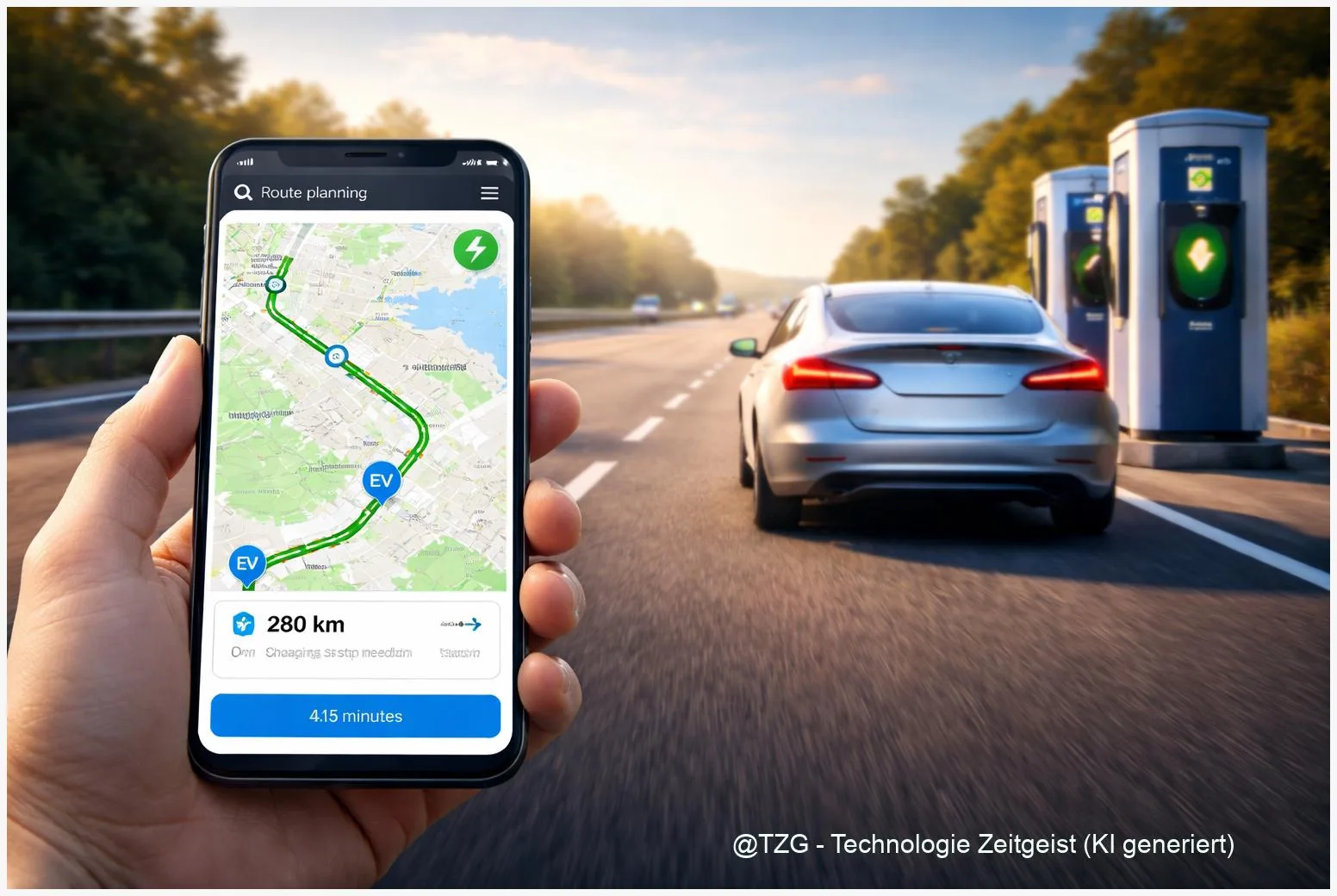
Planning a long drive in an electric car can feel uncertain: Will the chargers work, will you need a new app, and how do you pay? This step-by-step guide shows how to plan an EV road trip using a route planner, a charger-finder app, and a simple payment backup plan. After reading, you can build a realistic route with charging stops, prepare your phone and accounts, and start charging confidently on the road.
Introduction
On a road trip, charging is rarely the “hard part” technically. The stressful part is uncertainty: you arrive with 12 % battery, the charger is busy, your app logs out, or the payment screen refuses your card. Even people who charge at home every day can feel this on unfamiliar routes.
The good news: reliable EV trip planning is mostly a repeatable routine. You combine (1) a route planner that estimates consumption and picks stops, (2) a charger-finder that confirms real-world reliability via recent check-ins and reviews, and (3) a payment plan that works even if your preferred network is down.
The steps below are built for modern iOS and Android phones and work across Europe and the US. The goal is not perfection; it’s arriving with a comfortable buffer and fewer surprises.
Basics and Overview: how to plan an EV road trip with the right apps
For most drivers, a practical combo is A Better Routeplanner (ABRP) plus PlugShare. ABRP focuses on route math: it estimates energy use and suggests charging stops based on your car model and conditions. PlugShare focuses on reality: it helps you find compatible chargers and learn from recent user reports (for example: “charger working”, “stall 2 broken”, “usually queues at 6 pm”).
Payment is the third pillar. Some networks support seamless start-and-pay through their app or an RFID card, and some cars support Plug & Charge (based on ISO 15118): you plug in and the car authenticates automatically using digital certificates, so billing runs in the background via your contract provider.
The best road-trip plan is the one that still works when the first charger you picked is busy or offline.
That’s why you’ll plan a primary stop and always keep a realistic backup within reach. If you want more background on charging standards and everyday charging behavior, TechZeitGeist also covers related basics such as practical EV charging tips and smart charging habits (general overview).
| Option or Variant | Description | Suitable for |
|---|---|---|
| ABRP (route planner) | Builds a route with charging stops based on estimated consumption. | Long trips, unfamiliar regions, minimizing guesswork. |
| PlugShare (charger finder) | Shows charger details, filters by plug type, and adds community reliability signals. | Checking whether a planned stop is likely to work in real life. |
Preparation and Prerequisites
Do these checks at home, ideally the day before departure. They reduce the “parking lot panic” that happens when mobile data is weak or you’re rushing.
On your phone (iOS or Android):
- Update your route planner and charger apps (ABRP, PlugShare, plus any network apps you actively use).
- Log in once while on stable Wi‑Fi and confirm you can open the map without re-entering passwords.
- Add a payment method in at least one major charging app you trust (credit/debit card; mobile wallet if available).
- Enable location permission for the apps (at least “While Using”).
- Download offline maps in your main navigation app if you’ll drive through rural areas.
For charging access and payment (your “two keys” approach):
- Key 1: App payment for at least one large network on your route.
- Key 2: An RFID charging card as a backup. Some networks offer their own cards; roaming cards can also help, depending on region.
In the car:
- Check your charging cable(s) and any adapter you might need for AC charging at hotels or friends’ homes.
- Know your connector type (for example CCS, NACS, Type 2) so you filter correctly in apps.
- Start with a comfortable state of charge for your first leg (many drivers prefer starting near full when possible).
Step-by-Step Instruction
The workflow below is designed to be repeatable: plan with ABRP, verify with PlugShare, then lock in payments so you can start a session quickly.
- Create a first draft route in ABRP. Select your car model (or the closest match), enter start and destination, then check the proposed charging stops. If ABRP offers settings like arrival buffer, keep a conservative buffer (for example, arriving with a visible safety margin rather than “0 % hero mode”).
- Open each planned stop in PlugShare. Search the location, then confirm: plug compatibility, charging speed (AC vs DC fast), recent check-ins, and user comments about broken stalls or access restrictions.
- Add one backup charger per stop. In PlugShare, save a second station nearby that is reachable even if your primary stop is crowded or offline. If you’re crossing mountains or winter weather zones, pick backups that are closer together.
- Confirm how you will start and pay at each stop. Some locations are easiest via the network’s own app; others work well with RFID cards or Plug & Charge (if your car and the charger support it). If you’re unsure, plan for app payment plus an RFID backup.
- Do a quick “first stop rehearsal” before departure. With the car still at home, open the charging app you expect to use first. Check that you are logged in, that your payment method is still valid, and that you can reach the station screen without extra verification steps.
- On the road: navigate to the charger early. When you’re 10–20 minutes away, re-check PlugShare for very recent reports. If the station is flagged as down, switch to your backup before you arrive low on battery.
- At the charger: follow a simple order. Park, check the stall number/label, plug in, then authorize (app or RFID) if needed. For app-based networks, selecting the correct stall number in the app matters; match the number printed on the charger.
- Verify charging actually started. Look for a clear status on the charger screen (or your car/app) that shows power flowing. If it stays in “authorizing” too long, stop and retry once, then switch stalls if available.
If everything worked, you should see a charging rate (kW) on the charger or in your vehicle screen within a short time. If not, jump to the troubleshooting section below before you burn time and battery.
Tips, Troubleshooting, and Variants
Charging on trips fails for a few common reasons: wrong stall selection, weak mobile signal, payment verification, or a stall that is simply out of service. Most issues are solvable within minutes if you have a fallback.
Common problems and quick fixes:
- App won’t start the session: Confirm you selected the correct stall/connector ID, then force-close and reopen the app. If the site has poor reception, move a few meters, connect to the charger’s offered Wi‑Fi (if available), or switch to RFID if you have it.
- Charger shows “connected” but no power: Unplug, wait a few seconds, and plug in again firmly. If it still fails, try a different stall. Many multi-stall sites have one problematic unit.
- Payment pre-authorization surprises you: Some networks temporarily reserve an amount on your card at the start of charging (a standard practice in card payments). It should be adjusted to the final session amount later. If your card has low limits, use a different card or a mobile wallet.
- Queues or blocked access: Use PlugShare comments to learn typical busy hours. If you expect holiday traffic, plan an earlier stop rather than arriving nearly empty.
Helpful variants (choose what fits your driving style):
- Fewer, longer stops: Good when you prefer less hopping between stations. Be prepared for queues to hurt your timeline more.
- More, shorter stops: Often feels calmer because you keep a buffer and you can switch if a station is busy.
- Plug & Charge when available: If your car and the charger support ISO 15118 Plug & Charge, setup can reduce app friction. It still makes sense to keep at least one app/RFID backup for stations that don’t support it.
If you want a broader device-and-app routine for travel days, TechZeitGeist also has general guides on phone preparation and battery-saving settings for navigation (useful when you rely on maps and charging apps for hours).
Conclusion
EV road trips get easy when you treat them like a small system: ABRP creates a realistic draft route, PlugShare checks whether your stops are likely to work, and a simple payment backup keeps you moving when an app or stall misbehaves. With one primary stop and one nearby alternative, you protect your battery buffer and your time. Do the login and payment checks at home, then keep your on-road decisions simple: verify, charge, and leave with a comfortable margin.
Have a favorite app combination or a “saved my trip” charging tip? Share it with others, and consider sending this guide to a friend who’s planning their first longer EV drive.




Leave a Reply