
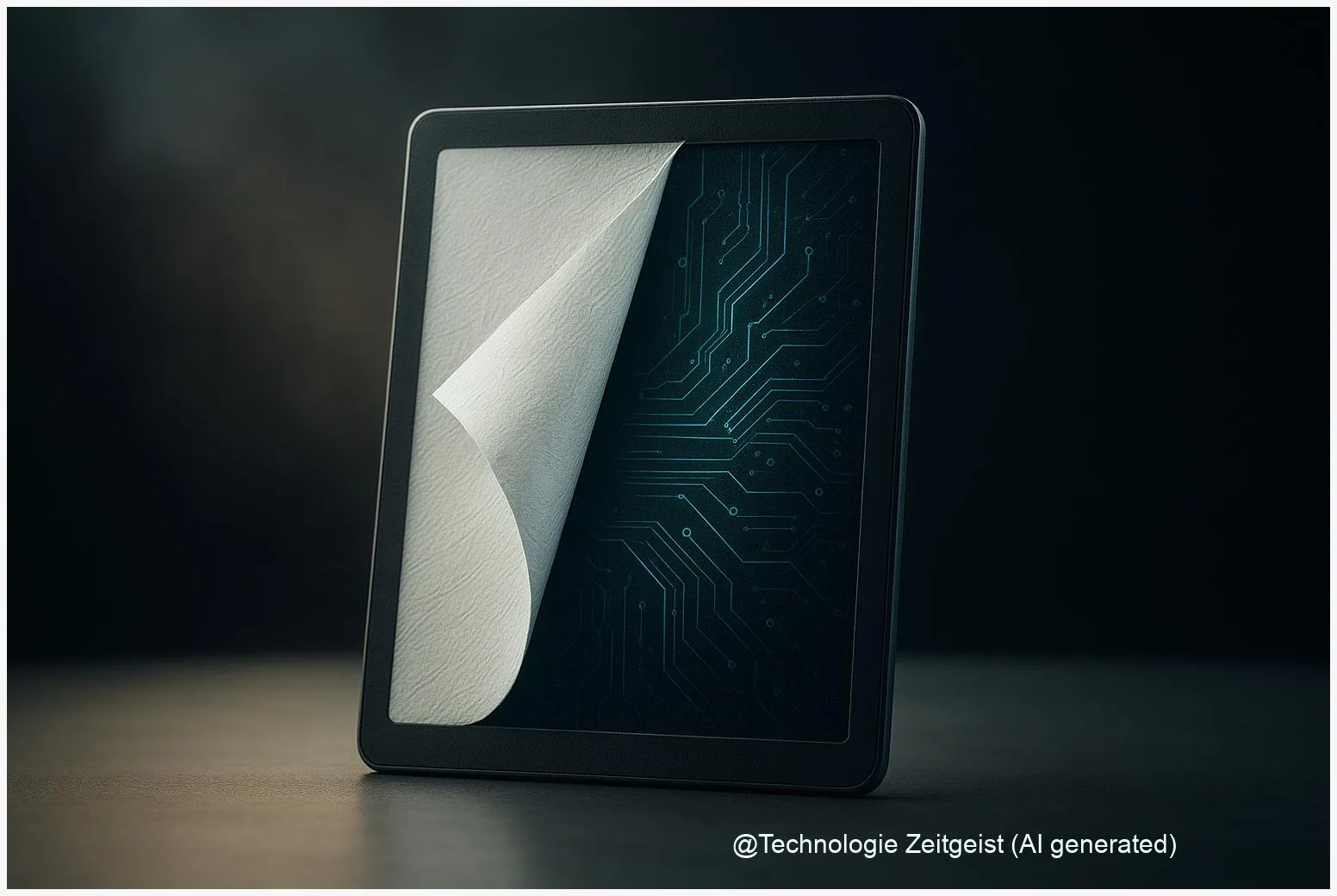
Paper-like tablet displays are gaining users because they combine the low-glare, static properties of paper with digital convenience. A paper-like tablet uses a reflective display that holds an image without continuous power, so long reading sessions feel closer to ink on paper. Readers concerned about eye comfort, battery life, or focused note-taking will find practical benefits in choosing these devices.
Introduction
At first glance, a paper-like tablet looks like a simple e-reader, but the difference matters for how people read and work. Instead of a bright backlight shining into your eyes, these devices use reflective screens where the display reflects ambient light. That changes more than comfort: it affects battery life, daytime legibility, and how the device fits into study or office routines. Many users who switch to paper-like tablets report longer uninterrupted reading sessions and fewer distractions, because the screen behaves more like a sheet of paper than a smartphone.
Technically, paper-like screens are often based on electrophoretic or related reflective technologies. They update by rearranging tiny particles inside each pixel, and once the particles settle the image remains without constant power. Later sections explain how this works, where these displays help in daily life, what the evidence says about eye health, and which directions the market and technology might take next.
How paper-like tablet displays work
Most paper-like tablets use an electrophoretic, reflective display commonly called e-paper. In simple terms, each pixel contains tiny charged particles in a clear fluid. Applying an electric field moves the particles so that either dark or light particles appear at the surface, creating text and images. The key property is bistability: after the particles move into place the display keeps that image with no continuous power, only consuming energy when the image changes.
This reflective, bistable design is why a page stays visible even when the device is idle.
Manufacturers vary the specific structure — microcapsules or microcups, two or more particle colors, and different backplanes — but the principle is the same. Many modern panels add a frontlight, which is a thin, directed light that illuminates the screen from the front rather than shining through it. That preserves the paper-like contrast while allowing reading in dim conditions.
Compared with emissive displays (LCD or OLED), e-paper emits virtually no light of its own and reflects room light. This reduces glare and makes text readable in bright daylight. Color e-paper exists, using either a color filter array or multi-pigment approaches, but color panels typically trade off some contrast, update time, or cost.
If numbers help: typical electrophoretic updates for full-screen changes run in the range of tens to a few hundred milliseconds depending on mode, and the display stack usually contributes around 0.6–1.2 mm to device thickness. Bistability explains the strong battery advantages: the screen requires power only for page turns or edits.
If a structured comparison clarifies things, the short table below shows the main attributes.
| Feature | Description | Value |
|---|---|---|
| Bistability | Image held without power | Yes |
| Frontlight option | Front-directed LEDs to read in low light | Common |
| Color | Multi-pigment or filter approaches | Available, with trade-offs |
Everyday uses and simple examples
Paper-like tablets are used in a mix of reading and note-taking scenarios. For long-form reading—ebooks, technical manuals, reports—the reflective screen makes pages legible in sunlight without the washed-out look that affects many LCDs. Students and professionals who take handwritten notes enjoy the stylus support and the reduced eye-fatigue during hours of concentrated work.
Examples: a student uses a 10.3-inch note tablet during a study session to annotate PDFs and retain focus; a manager uses a paper-like tablet during a meeting for minutes without the distraction of notifications that come with phones; a commuter prefers an e-paper reader for news articles on a sunny train. In each case the device behaves more like paper: readable at a glance, with long battery life and a tactile stylus input for handwriting.
There are also niche uses where the technology fits well: electronic shelf labels in stores, industrial displays for logistics, and signage where minimal power draw matters. For households, the chief practical gains are longer battery life—measured in days or weeks rather than hours—and less eye-glare in bright environments.
Still, paper-like tablets are not ideal for every task. Fast video, high-frame-rate gaming, or color-critical photo editing remain better on emissive displays. Where these activities are occasional, some users keep a paper-like tablet for reading and note-taking, and a separate tablet or laptop for multimedia work.
What paper-like screens mean for eyes and work
Concerns about eye strain and blue light have helped the appeal of paper-like tablets. Laboratory studies comparing reflective screens and emissive displays found lower cellular stress markers when cells were exposed to spectra from reflective displays or specially tuned frontlights. Translating lab findings to everyday health requires caution: human vision, blink rate, and behavior matter a great deal, and randomized clinical trials on long-term outcomes remain limited.
Practical takeaways: for long reading sessions many people report less perceived eye strain with reflective screens, especially in daylight or under warm frontlight settings. The device’s spectral output, screen brightness relative to room light, and ergonomic factors such as distance and posture are at least as important as the display type. Simple habits—regular breaks, adjustable lighting, and good posture—amplify the benefits of a paper-like screen.
There are trade-offs. Papers and lab studies vary in funding and independence; some industry-supported papers show stronger eye-comfort claims than independent reviews. Also, color e-paper and devices with faster update modes can increase power draw and change the visual experience. For schools and offices, a realistic approach is choosing reflective displays for reading-heavy tasks while keeping other tools available for multimedia work.
Where the technology is headed
Paper-like tablets are evolving along two tracks: better color and faster updates, and tighter integration with workflows. Color e-paper has improved in recent generations, offering more natural hues for illustrations and simple graphics, though with some compromises in contrast. Update speed has also improved, enabling smoother page turns and limited animations, but full-motion video remains outside the technology’s sweet spot.
On the integration side, note-taking software, cloud sync, and handwriting-to-text conversion are maturing. That turns a paper-like tablet into a more capable productivity tool: students share annotated textbooks, teams exchange meeting notes, and businesses use large-format e-notes for inspections and field work. Education and B2B markets are likely growth areas because they value readability, power efficiency, and focused workflows.
From a buyer’s perspective, look for frontlight spectral data, battery-life figures for typical reading patterns, and the device’s ecosystem for syncing and export. For developers and manufacturers, the immediate challenges are improving color fidelity, lowering cost, and publishing transparent metrics—such as frontlight spectra or update energy—so buyers can compare products on measurable grounds.
In short, paper-like tablets are spreading because they fit a clear set of needs: long-form reading, focused note-taking, and low-power signage. Expect incremental improvements rather than a single breakthrough, and broader adoption where those needs are strong: classrooms, offices, and among readers who prefer a paper-like experience.
Conclusion
Paper-like tablets combine reflective displays with modern software to offer a readable, economical alternative for many reading and note-taking tasks. Their reflective, bistable screens reduce continuous power draw and minimize glare in bright light, which helps battery life and perceived comfort during long sessions. While laboratory studies suggest lower cellular stress markers for reflective displays, solid long-term human trials are still needed to draw firm health conclusions. For most users, the practical benefits—long battery life, readable pages in daylight, and focused workflows—make paper-like tablets a compelling choice for reading-heavy or note-centric use.
Share your experience with paper-like tablets or suggest a question for future reporting.




Leave a Reply