
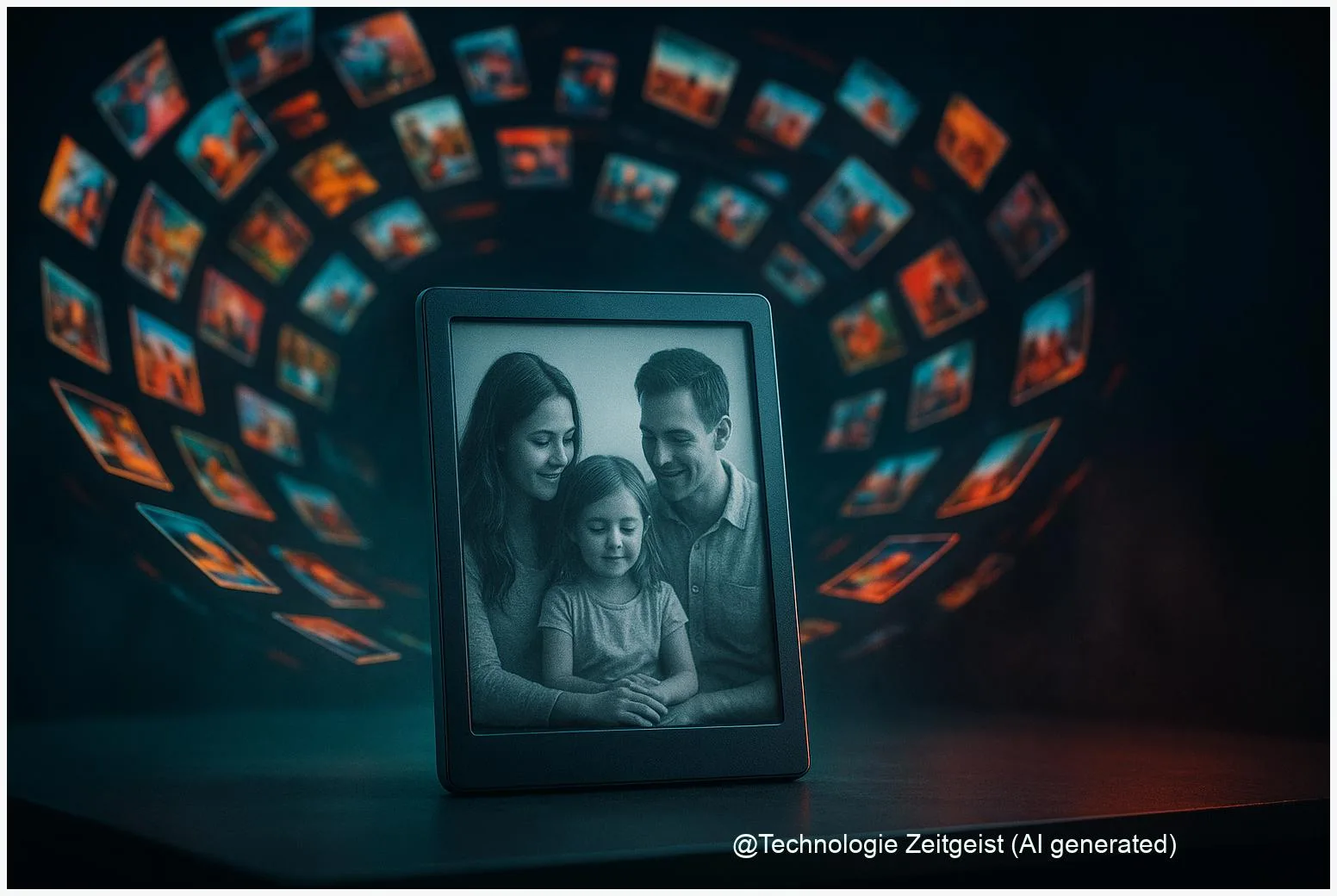
If your camera roll feels overwhelming, an E Ink photo frame offers a quieter way to show pictures: it uses reflective e‑paper that looks close to printed photos, runs for months on battery in many use patterns, and avoids the glow of a regular screen. The E Ink photo frame is best when you want a slow, gallery‑like display rather than quick slideshows or video; this piece compares how the screens work, what to expect in daily use, and the trade‑offs to consider.
Introduction
Many people keep dozens or hundreds of photos on their phones and rarely look at them again. A digital frame sounds like the obvious solution, but most LCD frames behave like small TVs: bright, colorful, and always drawing power. E Ink photo frames take a different route. They use reflective, bi‑stable screens similar to what you find in e‑readers; the image stays visible without constant power, and a matched front light can make the result pleasant in low light. The result is intentionally slower: photo changes can take seconds and colors are softer. That trade‑off is exactly what appeals to people who prefer a calm, print‑like presentation rather than a fast, bright slideshow.
How E Ink photo frames work
At the core, E Ink displays are reflective: they show light that comes from the room rather than producing light themselves. The basic layer holds tiny particles that move under an electric field to make dark or light regions. Color in many modern E Ink frames comes from a printed color filter placed over the black‑and‑white ink layer. That approach, used in the Kaleido family of E Ink modules, creates a palette of a few thousand discernible colors while keeping the benefits of low power and a paper‑like look.
These frames show still photos like a printed print on a wall — they do not aim to reproduce the brightness or motion of an LCD.
Two practical consequences follow. First, the display is bi‑stable: once the image is set, it needs little or no power to stay visible. Second, the color system sacrifices some brightness and fine detail compared with emissive displays; you can expect gentler saturation and visible dithering in areas of gradual tone. Manufacturers often pair the panel with a tunable front light to improve appearance at night and reduce blue light.
If a short comparison helps, think of three simple labels: ‘‘paper‑like’’ (E Ink), ‘‘bright & smooth’’ (LCD), and ‘‘high‑end art canvas’’ (large LED or OLED art displays). E Ink sits firmly in the paper‑like corner.
If numbers clarify, E Ink Kaleido modules are commonly quoted with around 4,096 colors and color resolution in the order of 100–150 ppi depending on the generation; manufacturers and tests from 2023–2025 report that newer Kaleido iterations improved saturation but remain less vivid than LCDs.
If a table helps to compare key attributes quickly, here are the essentials:
| Feature | Description | Typical value |
|---|---|---|
| Display type | Reflective e‑paper with color filter | E Ink Kaleido family |
| Power behaviour | Bi‑stable: power mainly used when changing image or running light | Months on battery in light use |
Using an E Ink photo frame at home
Setting up an E Ink frame is similar to any smart frame: pair it with Wi‑Fi, upload a selection of photos through an app or cloud link, choose a cadence for updates, and mount it where reflected, indirect light makes photos readable. But the experience feels different. Because updating the display consumes most of the energy and may trigger a visible full refresh, you get better battery life by choosing slow update intervals — for example once a day or once every few days — rather than every few minutes.
Battery claims from makers vary. Some manufacturers advertise a few months of battery life with daily changes and light use of the front light; others advertise up to a year or more when the frame is updated rarely and the light is off. Those numbers are not contradictory if you read them as use‑case statements: more frequent updates and more front‑light time shorten battery life, sometimes dramatically. Independent reviews performed under real use found practical runtimes that sit between the extremes, depending on the test profile.
Photos themselves may need slight editing to look their best. High‑contrast images with clear subjects and limited microdetail tend to read better on E Ink; very saturated skin tones or neon colors will appear muted. Many users build a small, curated album of 20–100 favorites rather than syncing entire camera rolls. That curation both reduces update traffic and creates a steady gallery on the wall instead of a noisy slideshow.
Finally, because motion and video are not suitable for most E Ink modules, these frames are best used like framed photos: a calm display, occasionally refreshed, rather than a continuously changing feed. That intent often appeals to people who want fewer distractions in shared living spaces.
Opportunities and practical limits
E Ink photo frames offer clear advantages for a specific audience: low power draw, a printed look, and low eye strain in normal room lighting. For a family that wants a tasteful wall display with monthly or daily rotations, a battery‑powered E Ink frame can be ideal — it behaves like a real framed picture with occasional updates.
There are also real limits to accept. First, color fidelity and contrast do not match emissive displays; expect softer colors, less punch, and visible patterning in some gradients. Second, update speed and refresh artifacts matter: changing an image usually takes a visible sequence and sometimes a brief flash that clears ghosting. That makes rapid slideshows or any content with animation impractical.
Another tension is between battery life and convenience. Manufacturers often implement cloud syncing, companion apps, and automatic schedules. Those features increase convenience but also increase background network activity and therefore energy use. If maximum battery life is required, choose a model with manual sync options or that supports a low‑power schedule.
From a privacy and maintenance perspective, check how a frame stores and transmits images. Some require cloud accounts to push photos; others allow local transfer over Bluetooth or USB. If keeping photos local is important, prioritize frames that support direct uploads or local storage without forced cloud dependency.
Where the technology is headed
Over the next few years, expect incremental but meaningful improvements rather than a sudden leap. Panel makers are refining color filter patterns, moving the filter closer to the ink layer, and improving front‑light optics; those steps increase perceived saturation and fine detail. Parallel work on multi‑pigment approaches exists but carries its own trade‑offs in cost and refresh complexity.
On the product side, manufacturers are likely to offer more sizes (including larger poster‑style frames) and slightly faster refresh schemes that hide transitions better. Battery management and smarter sync profiles will make actual run time more predictable: vendors may publish clearer test profiles such as ‘‘daily update with front light on 2 hours/day’’ to help buyers compare real expectations.
For buyers this implies a simple rule: match the device to the intended habit. If you want a long‑running, low‑maintenance gallery that feels like a printed wall piece, current E Ink photo frames deliver that promise well. If you expect frequent updates, video, or very vivid color, an emissive frame remains the better choice.
Finally, most advances will be iterative: better color filters, slightly higher color ppi, and improved firmware to control refresh patterns. Those modest gains will widen the audience slowly by reducing the specific compromises users must accept today.
Conclusion
E Ink photo frames are a clear design choice: they trade raw color and fast updates for a quieter, paper‑like presentation and longer battery life in typical domestic use. For people who already curate a small set of favorite images and want a calm wall display, an E Ink frame often improves how photos are experienced in shared spaces. Manufacturers and module makers have improved color and brightness in recent generations, but the basic trade‑offs remain: slower updates, softer color, and strong battery benefits when used as intended. Choose the display type based on how often you want to change images and whether a print‑like aesthetic matters more than cinematic color.
Join the conversation: share which photos you would put on a frame and pass this to someone tired of camera‑roll chaos.




Leave a Reply