
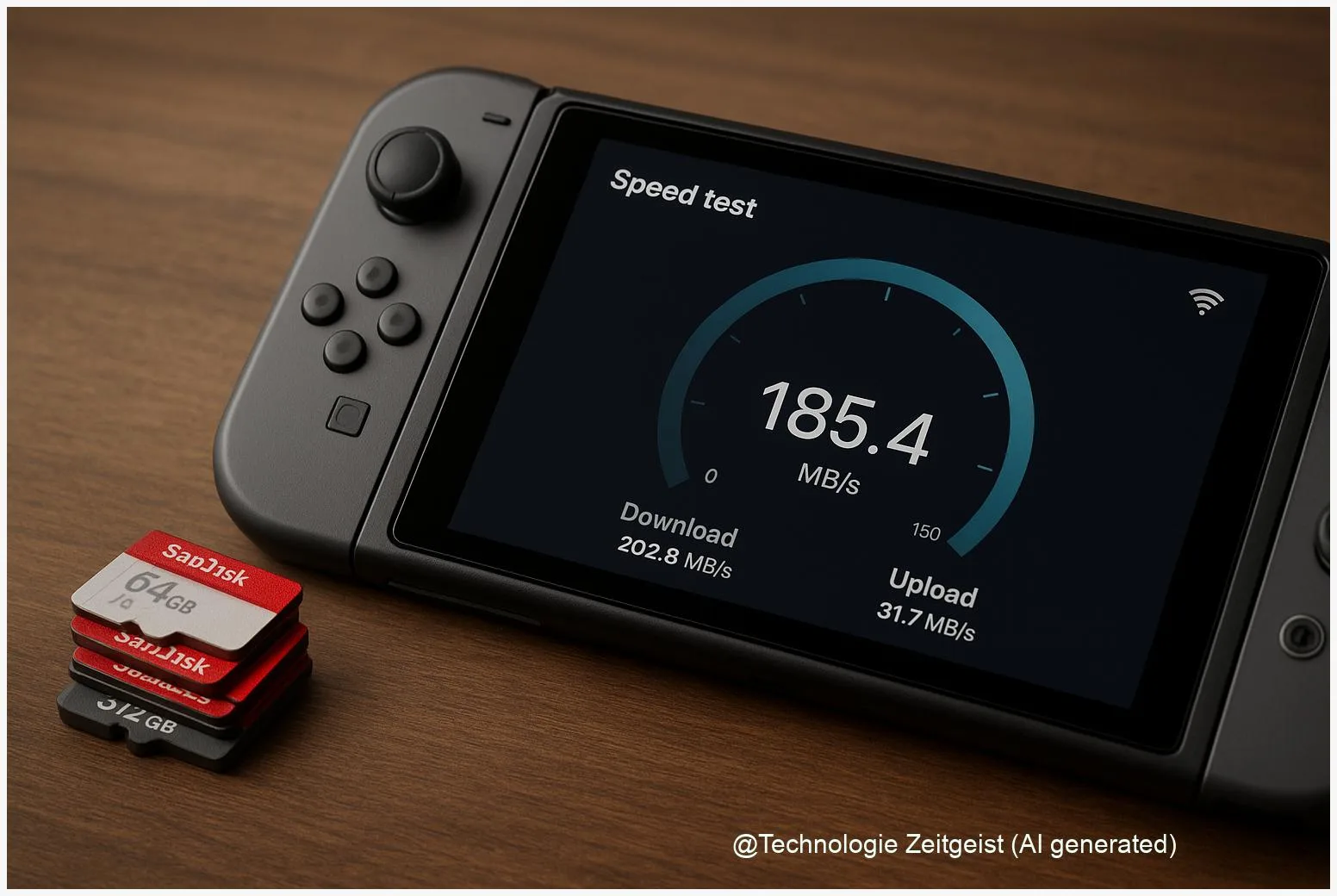
If you want the best microSD cards for Nintendo Switch 2, choose cards that balance real-world speed, reliability and compatibility. Official Switch 2 storage rules remain limited in public documentation, so pick cards that work well in existing Switch hardware: solid brand models, UHS‑II or high‑end UHS‑I cards with A2 and V30+ ratings, and sensible capacities from 256 GB to 1 TB. This reduces risk if the console supports only established SD modes while still preparing for faster host support in future.
Introduction
Console owners face a common decision: how much and which type of external storage to buy for a library of games. Physical game sizes have grown — many modern titles can be tens of gigabytes each — and a handheld like the Nintendo Switch 2 will need fast access to game files to keep load times reasonable. At the same time, storage standards on cards differ: maximum theoretical speed does not automatically mean faster in practice, and file systems such as exFAT influence usability across platforms.
Because Nintendo has not published a single, definitive public technical sheet for Switch 2 storage at the time of writing, this article focuses on long‑lived, practical advice that will still matter in 2026: which card features matter most, what capacities fit common users, and how to avoid poor buys. The goal is a purchasing strategy that keeps your games playable today and resilient to possible Switch 2 hardware choices tomorrow.
How microSD speed and format standards work
microSD cards are defined by two different sets of limits: the physical/format family (microSD, microSDHC, microSDXC, microSDUC) and the bus/speed interface (UHS‑I, UHS‑II, SD Express). The format family mainly indicates maximum theoretical capacity: microSDXC covers up to 2 TB in the SD specifications, while SDUC extends beyond that. The bus interface determines how fast data can move between card and host.
Real‑world speed depends on three things: the card’s controller and NAND, the host’s bus support, and how the console’s software uses storage for reads and writes.
Here are the practical performance markers to understand:
| Feature | Description | Typical peak |
|---|---|---|
| UHS‑I | Widely supported bus for consumer microSD; broad device compatibility | Up to ~104 MB/s |
| UHS‑II | Extra row of pins on the card for much higher peak throughput; increasingly common on high‑end cards | Up to ~312 MB/s |
| SD Express | Uses PCIe + NVMe over the SD form factor; requires host support to reach full speed | Theoretical up to ~985 MB/s (host dependent) |
Note: the SD Association specifications that define SD Express and the UHS families date from earlier years; they set theoretical maxima and a compatibility model but real sustained rates are often lower, depending on manufacturer implementation and workload. If a host (for example, a game console) does not implement the PCIe/NVMe interface, an SD Express card will fall back to standard SD modes and operate at UHS speeds.
Choosing the best microSD cards for Nintendo Switch 2
Because official, detailed Switch 2 storage rules were not widely published at the time this article was researched, the safest buying approach favors compatibility with existing Switch devices while leaving room for faster host support. The following selection rules work whether Switch 2 accepts only UHS‑I or also supports higher buses.
Start with capacity. Typical advice for different user types:
- Casual player: 256 GB — holds dozens of smaller downloads and a few AAA titles.
- Enthusiast: 512 GB — comfortable for a broad library without frequent swapping.
- Heavy collector or long‑term library: 1 TB or 2 TB — useful if you prefer to keep everything installed.
Next, focus on speed and endurance labels you can verify. Useful markers:
- A2 (Application Performance Class): improves random read/write IOPS which helps with game asset lookups and small file operations.
- V30/V60 (Video Speed Class): guarantees sustained sequential write performance useful for large file transfers and install operations; V30 is suitable for most games, V60 adds headroom.
- UHS‑II cards are a prudent middle path: they offer much higher peak throughput while remaining backward compatible. If Switch 2 can use UHS‑II, you gain faster installs and updates; if not, the card still works at UHS‑I speeds.
Brands with consistent quality and warranty support tend to be safer choices: SanDisk, Samsung, Kingston, Lexar and Kioxia are frequently recommended by independent testers. Within those brands, prefer product lines aimed at high sustained throughput (for example, “Pro” or “Extreme” ranges). Always check independent sustained write/read benchmarks for the exact model you plan to buy rather than relying only on manufacturer peak numbers.
Final practical tip: buy from reputable retailers and check packaging/serial numbers to avoid counterfeits. A lower price often hides lower endurance or fake capacity. If you value a fast installs-and-play experience but want broad compatibility, a UHS‑II A2 V30 card in 512 GB is a safe, future‑aware choice until Nintendo clarifies Switch 2 specifics.
Opportunities and risks when buying cards
There are clear benefits to buying a higher‑end card today: faster installs, shorter updates and fewer headaches moving large game files. But some tradeoffs deserve attention.
First, format and licensing. Many modern systems use exFAT for large volumes and files. exFAT is a file system widely supported by console and PC ecosystems, but its use historically required licensing from Microsoft for device makers. For users this only matters if a console does not support exFAT natively — then large single files or very large cards can present limits or require reformatting. Confirm whether the system supports exFAT in the official support pages before reformatting a new card.
Second, counterfeit cards and exaggerated specs are common in online marketplaces. A cheap, unknown microSD that claims 1 TB may actually be a much smaller chip with faked controller firmware. Verify sellers’ return policies and check cards with a simple capacity test on PC if you suspect a fake.
Third, endurance and warranty. Cards aimed at surveillance, dashcam or professional video work often advertise higher endurance ratings or write‑cycle guarantees; these are useful if you frequently reinstall, move games, or perform large writes. Consumer cards still work well for normal gaming use, but check warranty terms — some brands offer multi‑year warranties which is a good signal of reliability.
Finally, practical performance limits. Even if a card supports UHS‑II or SD Express, the real benefit depends on the console’s internal architecture. A card’s peak read number does not guarantee proportional reductions in game load times: the system’s bus, CPU, and software streaming strategies also influence behaviour. In short: faster card = better potential, but gains are sometimes modest for day‑to‑day gaming unless the host fully uses the card’s bus.
What to expect next and how to prepare
Looking ahead, two developments matter for storage choices. One is broader device support for higher SD bus modes such as UHS‑II or SD Express; wider host adoption would make higher‑end cards deliver clearer benefits. The second is how major console makers manage on‑device file systems and internal storage. If consoles shift to faster internal NVMe and treat microSD only as expandable archive space, the value of premium microSD performance changes.
For buyers today that translates into a simple strategy: favour proven brands, sensible capacity for your library, and cards with A2 and V30/V60 ratings if you want future usefulness. If you are uncertain about a particular console’s support, choose a UHS‑II card that falls back cleanly to UHS‑I; that gives backward compatibility while preserving upside.
Operationally, keep these habits: back up large saves or downloaded installers to a PC or cloud occasionally; label and track which games are stored on a card if you rotate media; and when you first insert a new card, use the console’s format option if available — consoles often apply optimized file allocation tables that reduce fragmentation and improve reliability.
As manufacturers publish new technical notes, firmware updates or official recommendations for Nintendo Switch 2, update your fleet of cards accordingly. If Switch 2 later confirms SD Express or another high‑speed interface, you can then evaluate whether to upgrade to SD Express cards based on measured sustained benchmarks rather than marketing peaks.
Conclusion
Choose microSD cards with realism: capacity to match your collection, endurance to tolerate installs and updates, and speed ratings that reflect how consoles actually use external storage. Until public, official Switch 2 specifications are fully confirmed, a high‑quality UHS‑II card with A2 and V30 ratings in the 512 GB range offers a balanced mix of compatibility and headroom. That keeps your library portable and reduces the chance of surprises while leaving space to upgrade if future console firmware unlocks higher bus performance.
Share your tips and experience with Switch storage — join the discussion and pass this guide to friends who collect games.




Leave a Reply