
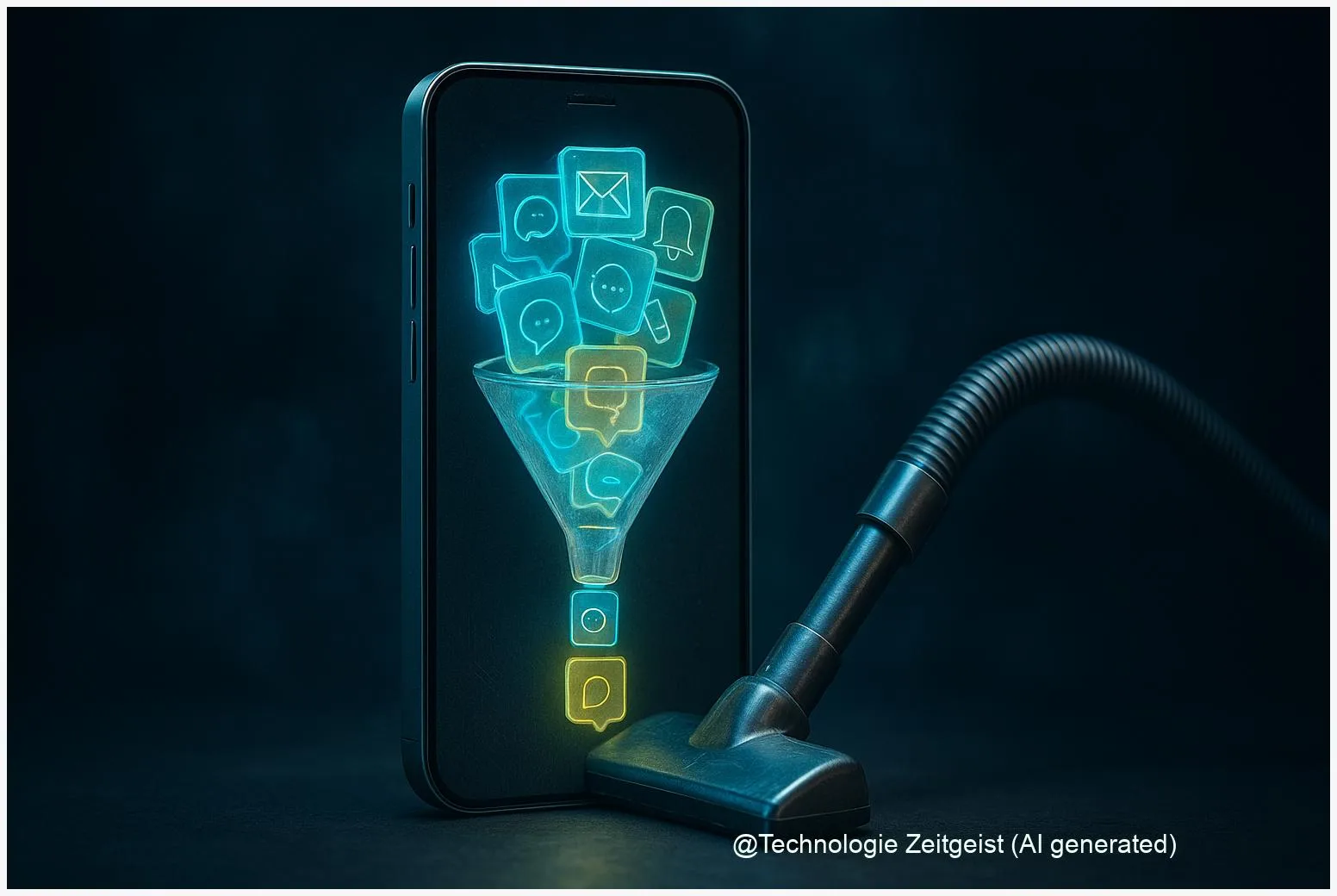
Notifications can interrupt work, hide the messages you need, and make your phone feel out of control. An Android AI notification organizer trims that noise by grouping and summarizing alerts, so you see only what matters. This approach combines Android notification channels with on‑device or cloud AI to reduce interruptions while keeping important alerts visible.
Introduction
Many people open their phones expecting one or two useful updates and instead find dozens of banners, badges and sounds. That constant stream fragments attention: a message from a colleague, an app sale, a chat reaction and a system warning all compete for the same small space. Android provides technical building blocks to manage this — notification channels, grouping and do‑not‑disturb modes — but those features are often hidden behind app settings. The result: users either tolerate the noise or blunt notifications by turning them off entirely, sometimes missing urgent information.
Recent platform changes and new AI features aim to move triage from the user’s inbox to a semi‑automated layer. Instead of deciding for each alert, the phone can propose short summaries, move low‑priority items into digest buckets and highlight truly urgent items. That relieves the immediate burden, but it raises questions about privacy, accuracy and how much control the user retains. The next sections explain how Android handles notifications, how an AI organizer can fit in, what trade‑offs to expect and what to watch for in the years ahead.
How Android notifications are structured
Android has a layered system for notifications that developers and users both must understand. Since Android 8.0 (API level 26) apps must post alerts into notification channels. A channel groups a kind of alert — for example “Messages”, “Reminders” or “Promotions” — and carries settings for sound, vibration and visual prominence. Channels give users final control: once created, the system generally prevents apps from changing a channel’s importance level without explicit user action. This design shifts priority decisions from code to people and makes consistent sorting possible across apps.
A notification channel sets the default behaviour; the user keeps the last word.
Channels can themselves be grouped visually in the system UI. Android also exposes programmatic hooks so an app can open the exact settings page for a channel, making it easier for people to fine‑tune behaviour. For phones and launchers, manufacturers sometimes add their own presentation rules, so appearance and exact options can vary by device and region.
At a practical level, three platform concepts matter when building or using an organizer:
| Concept | Description | User control |
|---|---|---|
| Notification channel | Category for alerts; controls sound, vibration and priority | User can change priority and settings in system UI |
| Grouping / Bundles | Multiple alerts from one app combined into a single summary | App suggests groups; system displays them |
Developers must register channels before posting notifications on modern Android versions. For older devices there are fallback mechanisms but behavior is less consistent. The platform therefore gives both a technical anchor for organizing alerts and a clear place where AI‑led summarization can attach: read the channel, compress events and present a short item that replaces many small ones.
How an Android AI notification organizer works
An Android AI notification organizer combines three elements: access to incoming alerts, a set of organization rules (channels, user preferences) and an AI component that classifies or summarizes content. To operate, the organizer needs permission to read notifications (a user opt‑in on Android). After that it can cluster messages into buckets such as “urgent”, “conversation summaries”, “app digests” and “promotions”. The organizer can run entirely on the device or send the text to a cloud service for processing.
On‑device processing keeps data local and reduces privacy concerns and latency, but it requires a capable device and optimized models. Cloud processing can use larger models and often produces more fluent summaries, at the cost of data transfer and potential privacy trade‑offs. Practical implementations mix these approaches: sensitive text stays local while less sensitive metadata is sent for richer analysis.
For users, the effect is simple: one compact summary card replaces ten separate banners, or the phone offers a “digest” at set times. For example, a mid‑day digest might say: “2 chats, 3 app updates, 1 delivery notice” and let you expand each item. The organizer usually respects channel settings and can surface anything that the system marks as critical. When set up well, the organizer reduces interruptions while preserving urgent alerts.
From the developer side, organizers rely on standard APIs: they read the Notification object (which holds title, text and channel id), map it into an internal triage label, and then post a compact summary notification in an appropriate channel. That means an AI organizer works within the platform’s model rather than bypassing it, so users retain control over channel priorities. If you try such a feature yourself, start by grouping low‑value messages and offering users an easy “undo” or setting to tune aggressiveness.
Benefits and risks of automated notification sorting
Automated organizers promise immediate user benefits: fewer interruptions, faster triage and less time wasted deciding what to read first. Experimental studies have shown that notifications cause small, measurable task delays and can increase the cognitive load, especially for younger users. Reducing the frequency of interruptions and clustering low‑value items into short digests can therefore improve perceived focus and reduce time lost to context switching.
However, automation introduces trade‑offs. The most obvious is privacy: cloud summaries involve sending message content to external servers unless the processing is kept on the device. This can be mitigated with strong anonymization, user consent and on‑device options, but the risk cannot be eliminated entirely if cloud APIs are used. Another risk is misclassification: a system that incorrectly marks an important alert as low priority could delay responses. For safety‑critical messages (bank alerts, health notifications), organizers should add a conservative override rule and never suppress channels the user explicitly made high‑priority.
There are also operational tensions. Summarization models consume CPU and power; frequent cloud calls create data and cost overheads. Device diversity is significant: older phones may not run on‑device models reliably, and manufacturer customizations can change how grouped notifications appear. Finally, algorithmic transparency matters: users should be able to see why an item was bundled or summarized and adjust the behavior. A simple “why this” control helps build trust and reduces accidental misses.
Where this technology is headed
Expect three parallel developments going forward: better on‑device models, deeper OS support for summaries, and clearer user controls. Phone makers and platform teams are already experimenting with on‑device natural language modules that can run efficiently on modern mobile chips. System‑level support can standardize how summaries are displayed and let users treat an organizer as another part of the notification stack rather than a separate app.
Regulation and privacy norms will shape architecture. In regions with strict data protection rules, on‑device processing and explicit consent screens will be the default. For users, that means the most privacy‑friendly organizers will offer local summaries as the first option and cloud processing only as an opt‑in enhancement.
For those who want immediate results: tidy your channels first. Rename and reassign app alerts into sensible groups, turn off sound for low‑value channels, and create a few VIP channels for truly important contacts. When an AI organizer is available, start it in a conservative mode so it only bundles obviously low‑value items. That approach keeps control with you while you test whether the organizer actually reduces interruptions in your daily life.
Conclusion
Notifications are useful because they surface information when it matters; they become harmful when they interrupt and distract. Android’s notification channels create a reliable structure for sorting alerts, and AI can sit on top of that structure to group, summarise and reduce needless interruptions. The best implementations keep the user in control, prefer local processing where privacy matters, and provide visible controls so people can correct mistakes. Over time, better on‑device AI and OS‑level features should make notification overload a far less common problem, provided users keep channel settings tidy and choose privacy‑safe organizer options.
Have experience with notification organizers? Share what worked for you and pass this article on to someone buried in pings.




Leave a Reply