
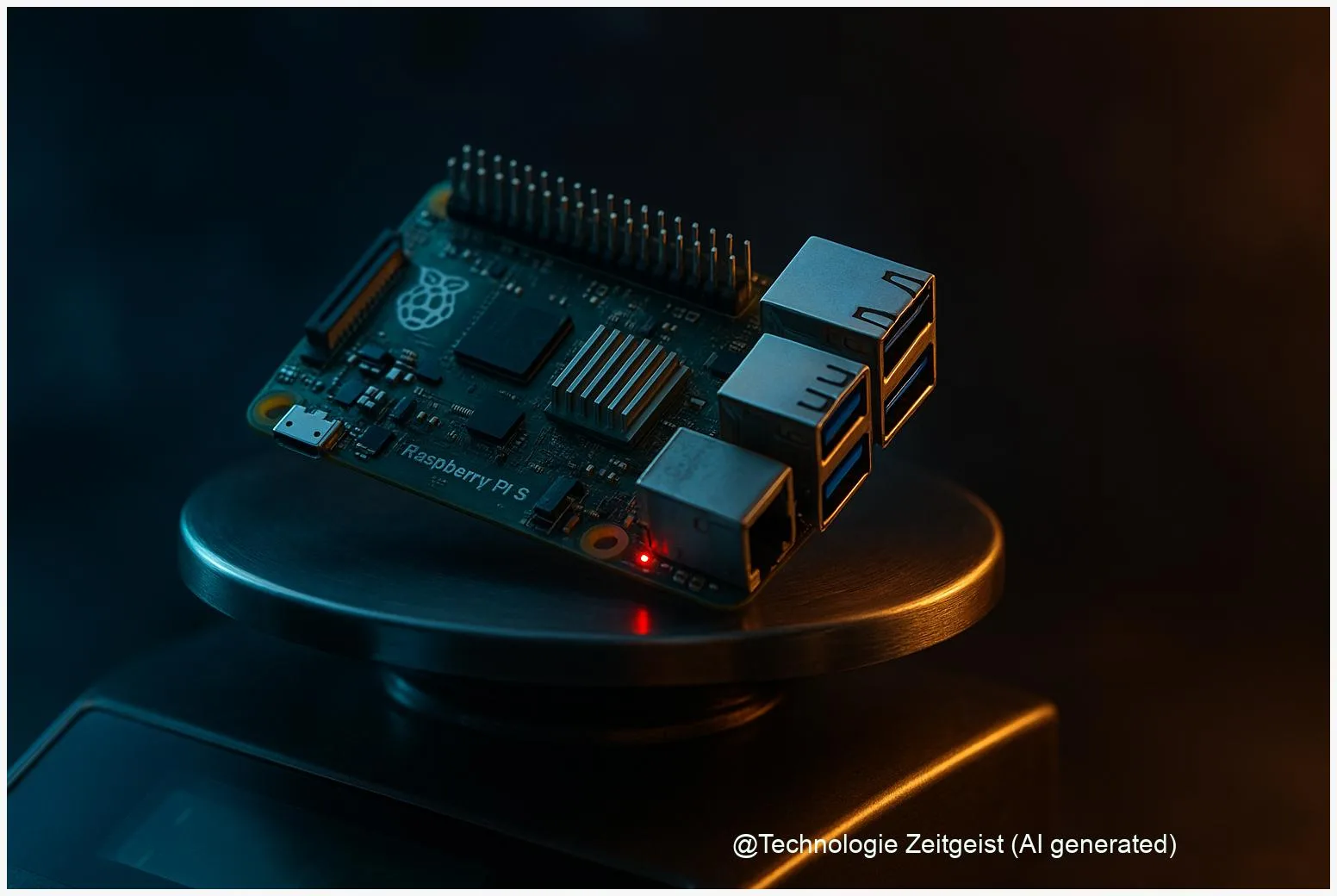
The Raspberry Pi 5 is a major step for the single-board computer family, but many users report mixed signals about its purpose and trade-offs. This article looks at why Raspberry Pi 5 feels confusing: higher raw performance and new ports sit alongside higher idle power, changed power rules, and integration hurdles. The goal is clear advice you can use when choosing a Pi 5 for a desktop, a project, or an embedded product.
Introduction
At first glance, the Raspberry Pi 5 is an attractive upgrade: a faster CPU, a modern GPU, and more I/O. That clarity fades when you look at typical use cases. If you want a tiny desktop, a compact server, or a low‑power IoT device, the Pi 5 now asks you to choose which of those goals matters most. It performs much better than earlier Pi models for many tasks, but it also brings new requirements for cooling, power supplies, and accessory compatibility.
To understand the gap between expectation and reality, this article breaks down the core technical changes, shows everyday examples where those changes matter, explains the practical tensions they create, and points to practical decisions: when the Pi 5 is an excellent fit and when an alternative makes more sense.
Raspberry Pi 5: what changed under the hood
The core of the change is a new system‑on‑chip (SoC). A SoC bundles CPU, GPU, and auxiliary controllers on one chip. The Pi 5 uses a more modern Arm CPU core family and a newer GPU, plus faster memory. Those improvements explain why desktop tasks and multimedia feel closer to small x86 mini‑PCs than older Pis.
Important technical points in plain language:
- CPU and GPU: the Pi 5 has a higher‑clocked Arm CPU and a VideoCore VII GPU with better graphics and video decoding. That combination raises single‑thread and multimedia performance significantly compared with Pi 4.
- Memory: onboard LPDDR4X at higher speeds reduces memory bottlenecks that limited heavy tasks on earlier Pis.
- I/O: USB 3.0 ports, dual 4K HDMI outputs, and a single‑lane PCIe 2.0 interface open new use cases—external NVMe via an M.2 HAT becomes practical, and faster peripherals work better.
The shift is from a maker‑friendly microcontroller feel toward a small, more conventional computer—at a cost in power and integration complexity.
Small table comparing headline changes:
| Feature | Pi 4 (typical) | Pi 5 (headline) |
|---|---|---|
| CPU | Older Arm cores, lower clocks | Newer Cortex‑A76 family, higher clocks |
| Memory | LPDDR4 (various) | LPDDR4X @ higher speed, up to 16 GB |
| I/O | USB 3.0, single HDMI | 2×USB3.0, dual 4K HDMI, PCIe via FFC |
These are official headline specs from the manufacturer and product brief. Some of the more subtle performance and power behaviours come from independent testing and community measurements; those are discussed later with references.
How people use the Pi 5 and where it fits
There are three common ways people pick a Raspberry Pi: as a learning device and project board, as a tiny desktop, or embedded in products. For each, the Pi 5 changes the calculus.
Learning and projects: If you build robots, simple servers, or electronics experiments, the Pi 5 still works well—but now you must consider cooling and power. A kit that previously ran on a modest 5 V/3 A adapter may need a stronger supply or tuned firmware options if you add an NVMe HAT or heavy peripherals.
Tiny desktop: The Pi 5 is far closer to an everyday desktop experience. Browsing, office tasks, and local video playback run noticeably smoother than on Pi 4 in many reviewers’ benchmarks. That makes the Pi 5 attractive for low‑cost education labs and basic home use—provided you use the official cooler or a similar active solution to avoid throttling.
Embedded products and appliances: Here the story is mixed. The Pi 5 offers features (PCIe, dual HDMI, faster RAM) that enable richer hardware designs, but those same features complicate power budgeting, thermal design, and long‑term component sourcing. For an appliance that must run off battery or limited power, a lower‑power board or an x86 small‑form‑factor CPU may be a better choice.
Concrete example: A hobby NAS with an NVMe drive and USB backup will benefit from Pi 5’s I/O—but that configuration pushes power and thermal requirements into the same class as small fan‑cooled x86 boards. The result: more capability, more planning.
Tensions: performance, power, and real‑world limits
The “confusing” feeling comes from tensions between capability and constraints. Three tensions matter most.
1) Raw performance versus sustained performance. Benchmarks show the Pi 5 can be roughly two to three times faster than Pi 4 on many tasks, which is useful for compilation, media, and software testing. But sustained throughput depends on thermal control. Without active cooling the board will thermal‑throttle, reducing long‑run performance.
2) Better ports, higher power. USB 3.0, PCIe attachments and dual 4K outputs let you connect faster drives and more displays. Those peripherals increase peak and idle power. Independent reviews and community tests measured typical idle power in the low single‑digit watts and peak draws that can be several watts higher under load. That changes choices for battery operation and embedded uses.
3) Compatibility and integration headaches. The Pi 5’s single‑lane PCIe uses an FFC connector and relies on third‑party HATs for NVMe. Not all HATs behave identically; power delivery, firmware, and driver differences mean that real‑world performance and reliability require testing. For commercial products this adds engineering time.
These tensions are not flaws; they are trade‑offs. The board addresses a gap between tiny hobby boards and small desktop PCs, but the gap is not closed automatically. Users must decide which compromises they accept.
Ways forward: sensible choices for different users
What should you do? The right choice depends on the project and constraints.
If you want a cheap, compact desktop for light work: choose Raspberry Pi 5 with active cooling, a recommended 5 V/5 A supply when you use many peripherals, and a tested case. That setup gives a credible desktop feel at low cost.
If low power is essential: consider a Pi 4 or a dedicated low‑power board. Some Pi 5 revisions and firmware updates reduced idle draw, but for strict battery or solar applications measured older data show the Pi 4 or specialized microcontroller platforms often win on efficiency.
If you design a product: treat the Pi 5 as a compact PC module rather than a drop‑in gadget. Allocate time for thermal design, choose power supply margins, and validate any NVMe or PCIe HATs early in the cycle. For long product lifecycles, confirm availability and revision policies with suppliers.
Finally, for hobbyists and educators: the Pi 5 is an opportunity to learn real engineering trade‑offs. It shows how higher performance changes requirements—thermal, electrical, and software—that must be managed to get reliable operation.
Conclusion
The Raspberry Pi 5 raises the bar for what a tiny board can do. That creates confusion because capability has outgrown the old expectations: users no longer get a simple, always‑low‑power hobby board by default. Instead they get a small, capable computer that sometimes needs the same attention as a compact PC—cooling, power budgeting, and careful accessory selection. For many users the Pi 5 is the best Pi yet; for others its extra requirements make earlier models or alternative platforms safer choices. Deciding depends on whether you prioritise raw speed, low power, or turnkey simplicity.
Join the conversation: share your experiences with Pi 5 projects and what trade‑offs mattered most to you.




Leave a Reply