
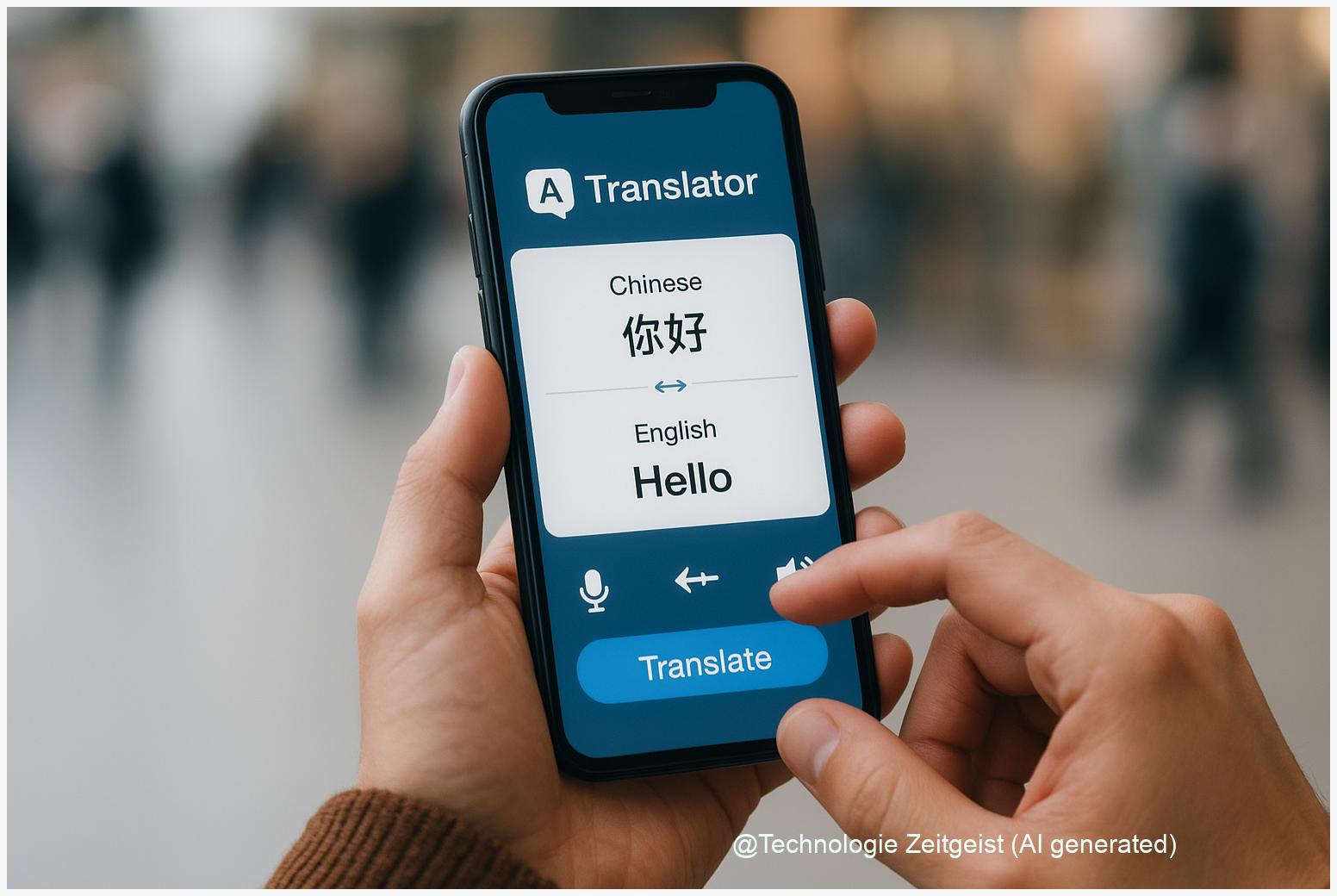
Choosing the right AI translator app can save time and protect privacy. This guide focuses on AI translator apps and how to judge value: what the technology does, which privacy and accuracy signals matter, and how to test an app quickly before you pay. Readable checks and practical examples show when a paid app is worth the cost and when a free or offline option is safer for sensitive text.
Introduction
Many people use a translator app to read a message, translate a menu, or prepare a short business email. Not every translation need is the same: some texts are routine and disposable, others contain personal or business details. Apps vary in speed, cost, accuracy and how they handle your data. That mix makes the buying decision confusing.
This article gives practical steps so you can decide fast. It explains the core technology behind translations in plain terms, shows how to check privacy and accuracy, and offers simple tests you can run on your phone. The aim is to help you decide whether a paid app will actually deliver clearer translations or only extra features you rarely need.
What AI translator apps actually do
Most translator apps use machine translation. Machine translation is software that converts text from one language to another using statistical or neural methods; in modern systems this usually means a trained model that predicts the most likely target-language text. Think of the model as a very large rule book learnt from many examples rather than a fixed bilingual dictionary.
Two common architectures matter for users. First, cloud-based translation sends your text to remote servers where large models run. That often gives faster improvements and better context handling for complex sentences, because cloud models can be very large and receive regular updates. Second, on-device translation keeps both the model and the data on your phone. On-device models are smaller and may be slower or less fluent, but they avoid routine uploads of what you type or say.
Cloud translation: more power and frequent updates. On-device translation: more privacy by default.
Beyond where the model runs, apps differ in other ways: whether they store translated text, send telemetry (diagnostics or usage data) to servers, or allow offline downloads of language packs. “Telemetry” means small packets of metadata apps send back to vendors to report crashes or usage; it does not always contain your text but sometimes can if an app logs errors insecurely.
Finally, words like “AI” or “neural” are marketing-friendly labels but do not guarantee quality. The important technical signals for users are: where the model runs (cloud vs on-device), whether the app logs or stores your input, and whether the vendor offers contractual privacy guarantees for paying customers.
How to evaluate AI translator apps: a practical checklist
Use these checks in the app store or on the vendor site before you install or subscribe. They are designed to be quick, actionable and useful whether you are translating a short note or handling business content.
1. Privacy statements and product differences. Look for explicit wording about whether the service uses uploaded text for model training or improvement. Some consumer translators state that inputs “may” be used to improve services; enterprise or paid plans often include a Data Processing Agreement (DPA) promising that customer content will not be used for model training. If you need confidentiality, prefer a paid plan that explicitly excludes training use.
2. Offline / on-device capability. Check whether the app offers a true offline mode (language packs that run locally). Offline means text does not need to leave the device. But do not stop there: read the app-store privacy label and the vendor policy to confirm that offline use really disables network calls for translations and analytics.
3. Permissions and network behaviour. On mobile, permissions reveal intent. A translator that requests only microphone and local storage is different from one that repeatedly asks for network permissions and background data. After installing, turn off network access for the app (or use airplane mode) and test whether translations still work in offline mode.
4. Business guarantees and contractual terms. For work-related translations, check for DPAs, ISO or SOC certifications, or explicit contractual clauses that translation text will not be logged or used for training. Enterprise cloud translation services often document these guarantees on their product pages; consumer offerings usually do not.
5. Accuracy checks you can run yourself. Try three short tests: a literal sentence, an idiom, and a domain-specific phrase (for example, a short legal or medical sentence without real patient data). Compare results across two apps. A paid app should consistently give clearer, less ambiguous translations for the same inputs.
6. Model updates and storage. If the app downloads models, check how updates are delivered and whether local models are encrypted at rest. Local storage without encryption increases risk if the device is lost or inspected.
Apply these checks in this order: privacy statement → offline capability → simple permission test → quick accuracy trials → contractual guarantees (if needed). That sequence separates technical safety from translation quality, helping you pick the best balance for your use.
Trade-offs: accuracy, privacy and convenience
Every translator app balances three things: how accurate translations feel, how the app treats your data, and how convenient it is to use. Understanding the trade-offs helps you prioritise.
Accuracy vs. privacy. Cloud models usually deliver higher accuracy for complex sentences because they can use larger models and more context. That advantage comes with a privacy cost if the service uses input text to improve models. If the text is public or low-risk, cloud translation is often best. If it contains personal, financial or sensitive business details, prefer on-device or enterprise solutions with contractual protections.
Convenience vs. control. Features such as instant camera translation, voice transcription and context-aware suggestions are often cloud-powered. They are convenient for travel or rapid communication but can create additional data flows—camera frames, audio snippets and location metadata may be involved. Control means accepting fewer instantaneous features in exchange for reduced external data transfers.
Cost vs. guarantees. Free consumer apps are valuable but usually offer limited legal guarantees. Paid or enterprise plans may cost more but provide DPAs or explicit privacy promises; they also often include better customer support and bulk translation features. For a single user handling occasional non-sensitive content, a free app with offline packs can be enough. For businesses or anyone handling sensitive data, a paid plan with contractual terms is advisable.
Practical example: Sending a quick travel message asking for directions can safely use a free cloud translator. Translating an employee contract or a medical summary should use an enterprise API, an on-device solution, or a paid consumer product that explicitly excludes content use for model training.
These trade-offs are not fixed. Vendors update policies and features; some cloud products now offer options to opt out of training use for paying customers. Always verify the current policy before sending sensitive content.
What to expect next and sensible choices
Over the next few years expect clearer product tiers: consumer apps will highlight convenience and new AI features, while enterprise offerings will explicitly document privacy guarantees and contractual terms. Regulatory pressure in Europe and elsewhere is also pushing vendors to be more transparent about data-use for training.
For everyday users: prefer apps that offer on-device language packs and let you disable network access for translations. Keep at least one trustworthy offline translator installed for sensitive needs. Open-source projects also exist and can be a good choice if you want verifiable behaviour, but they may require more setup.
For business users: insist on a DPA and ask whether customer inputs are used for model training. If the vendor claims non-use, request the contractual clause in writing. Consider building simple internal rules: never paste personal data into a consumer translator, and use vetted enterprise APIs for official documents.
Finally, adopt a short habit: before hitting “translate” ask whether the text contains names, contact details, or other personal data. If the answer is yes, pause and choose an option with a written guarantee or offline mode. That small habit prevents most accidental data exposures without much hassle.
Conclusion
Deciding whether an AI translator app is worth paying for comes down to what you translate and how much control you need over the data. Free cloud translators offer the best convenience and often the best raw accuracy for complex texts, but they sometimes allow vendor use of your inputs for training. On-device or paid enterprise options reduce that risk and can include contractual protections. Use the checklist above to test privacy claims and translation quality quickly: privacy statements, offline capability, permissions, simple offline tests and, for work, written DPAs. Those steps will help you choose a tool that fits both your needs and your standards for privacy.
We welcome your experiences and tips—share what worked for you and any little tests you use to check translators.




Leave a Reply